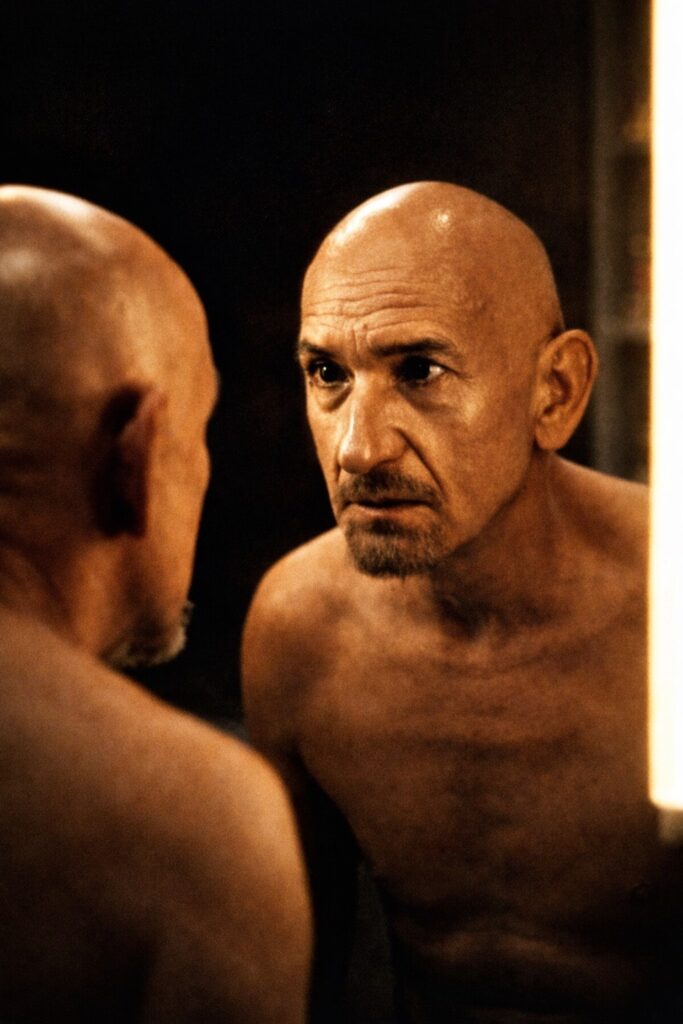
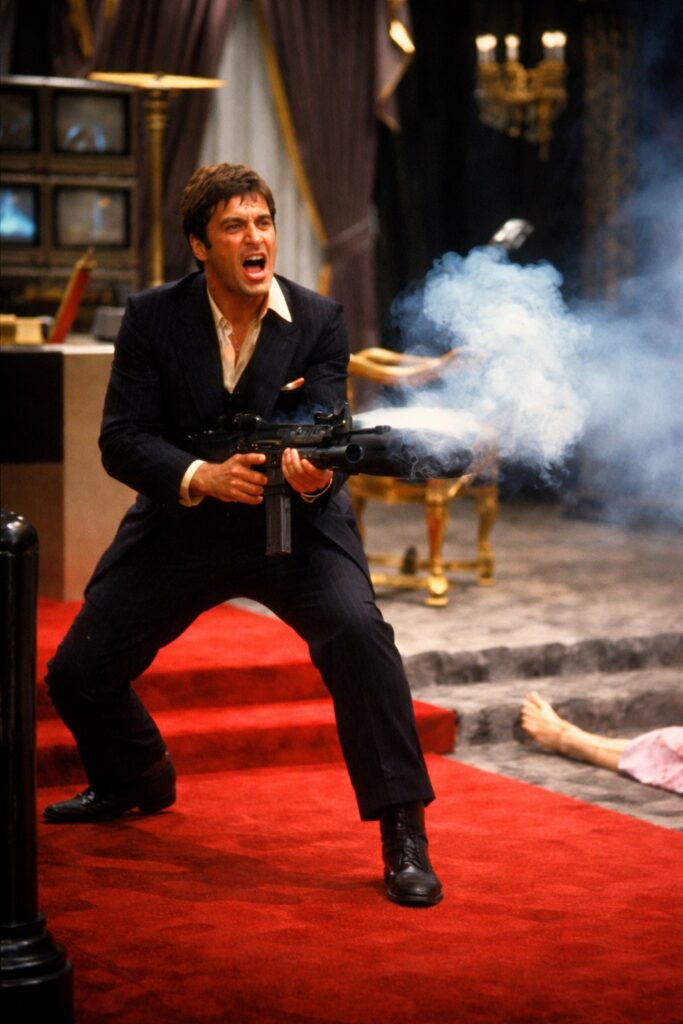
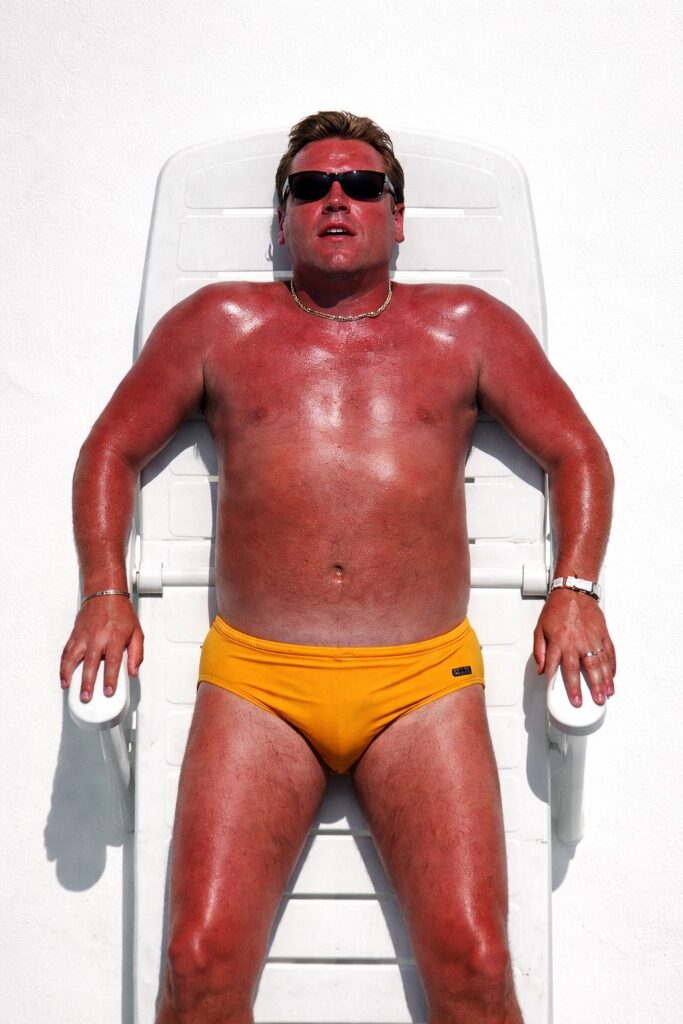
Most men will happily spend 20–30 minutes trying to fix something themselves (without instructions), even if a professional could do it in 5 — purely because winning against the object matters more than time, money, or dignity.
That instinct comes from the same place as:
refusing to ask for directions
rebuilding something after watching one video
saying “I’ll just have a quick look” and disappearing for an hour
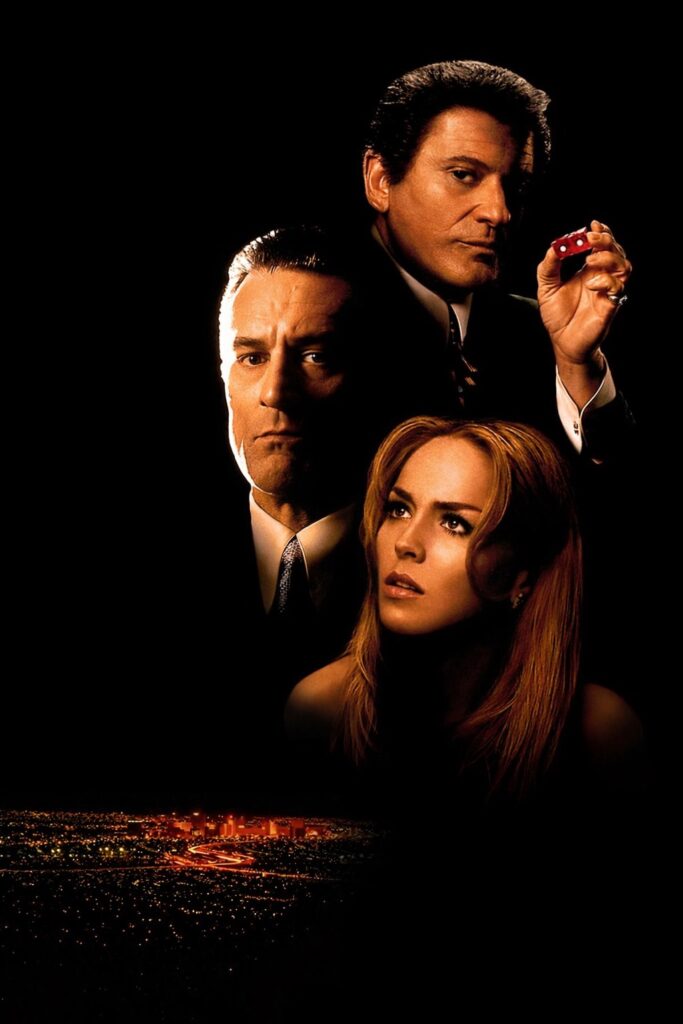
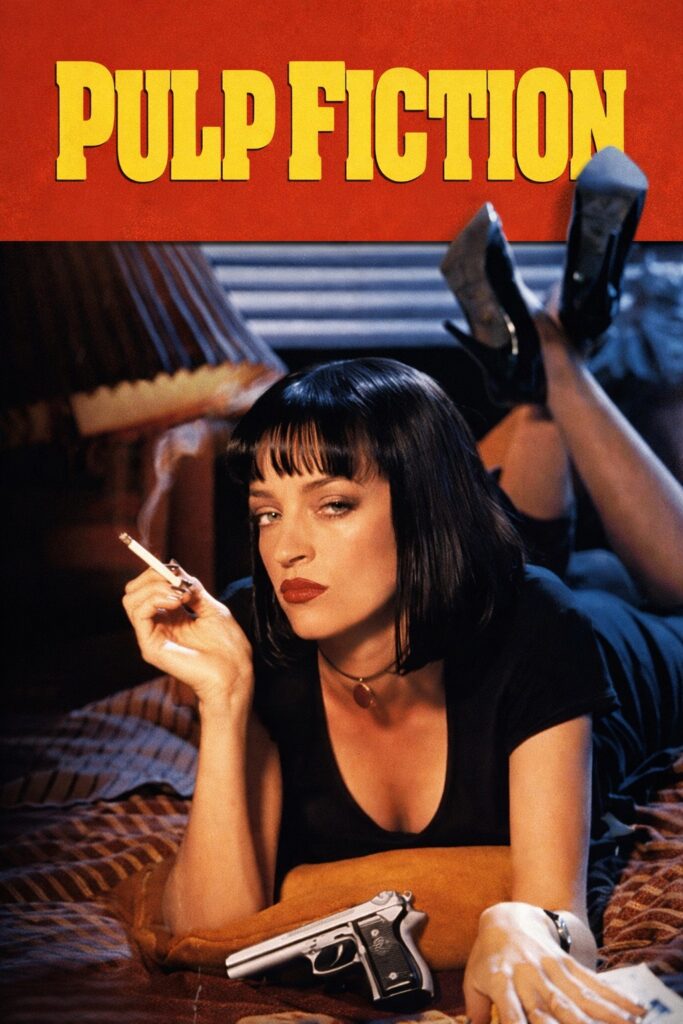
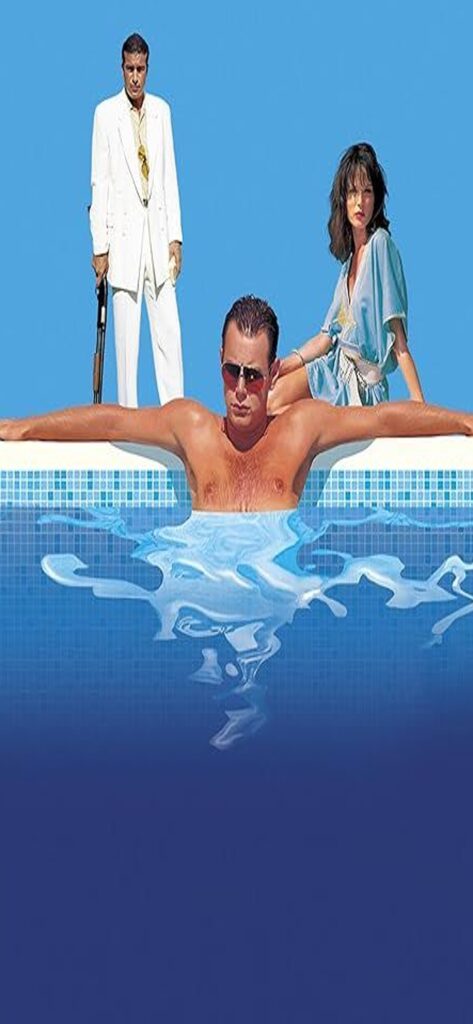
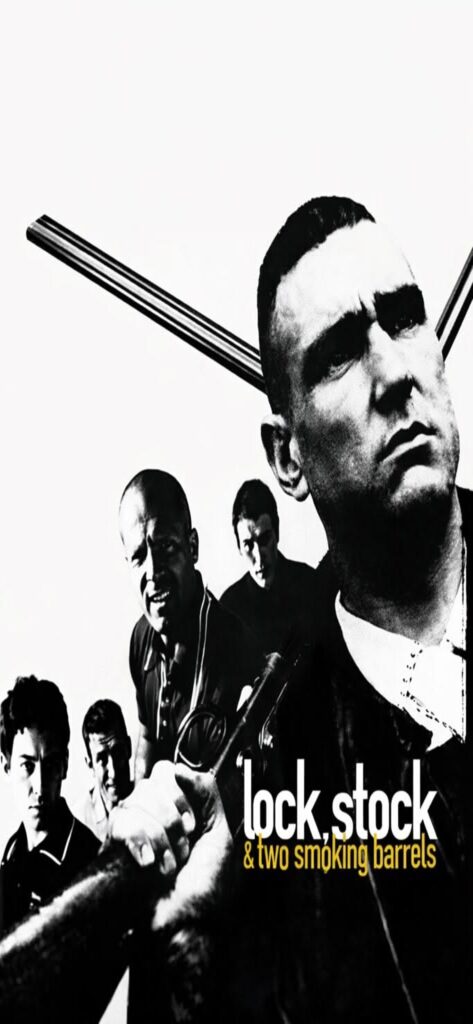
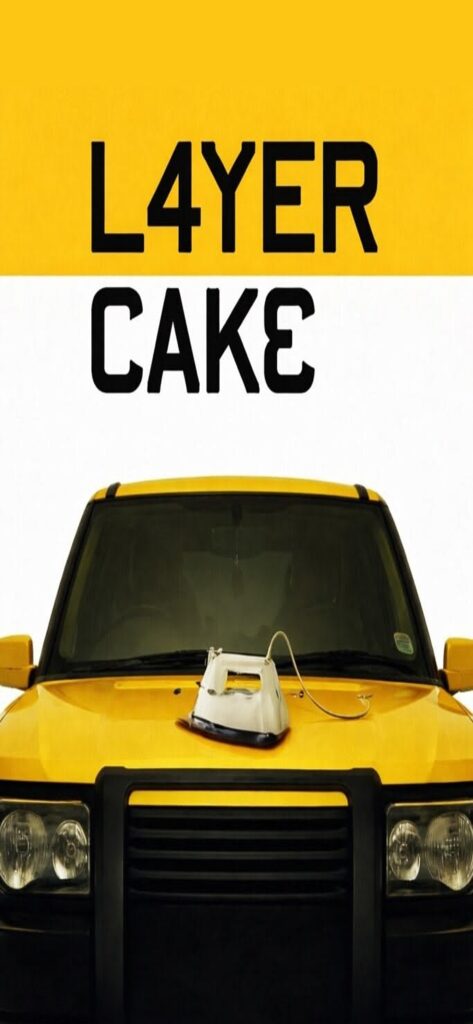
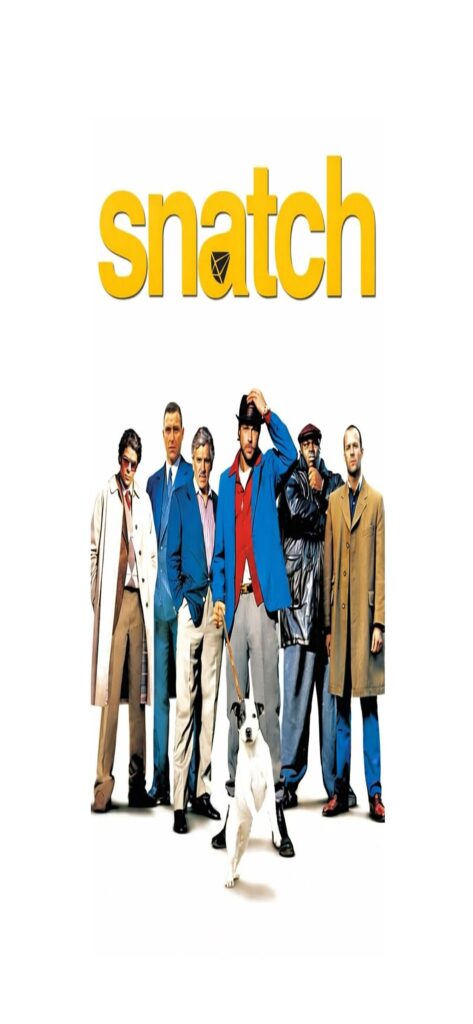
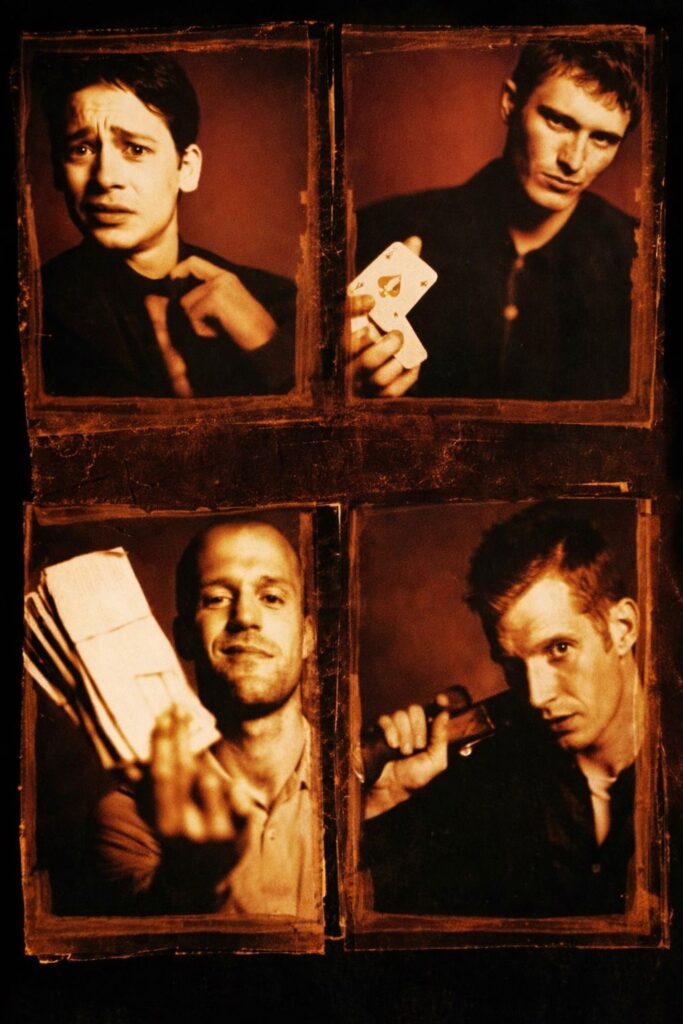
A growing collection of iconic movie wallpapers inspired by timeless films, legendary characters, and unforgettable scenes. From gritty crime classics to martial arts legends and cinematic masterpieces, these wallpapers are optimised for modern phone screens and designed to look sharp, bold, and immersive.
All wallpapers are free to download — tap,hold, save, and enjoy. More films and styles will be added over time.
Tap and hold any image to open it full size, then save it to your phone. Free to download and use.
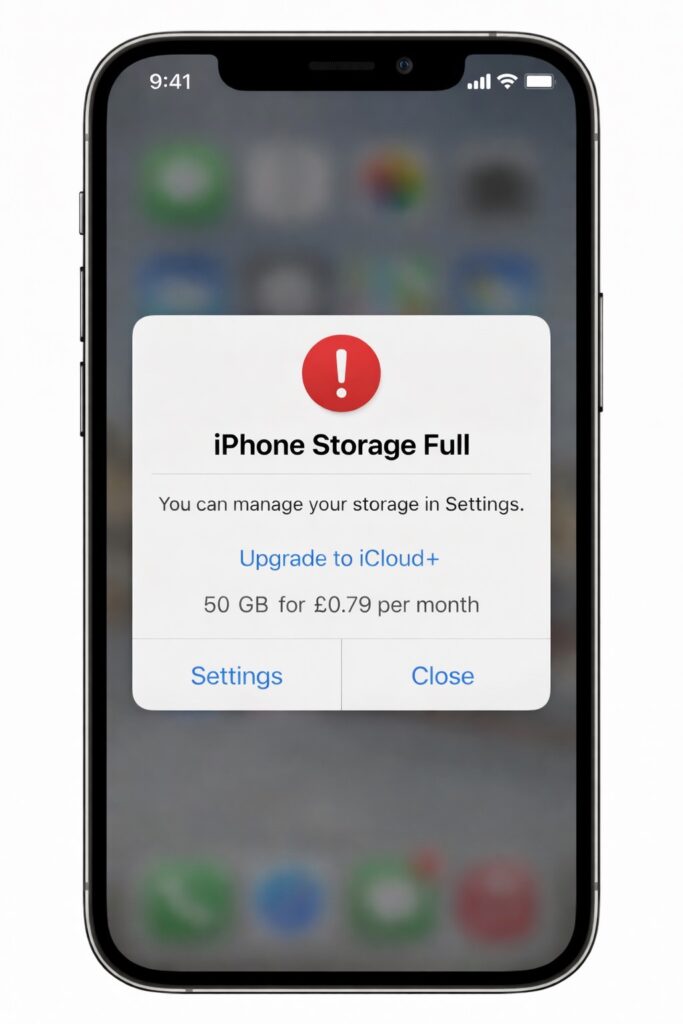
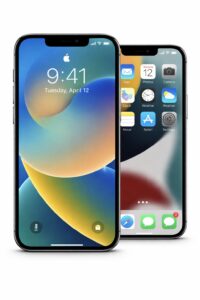
If your iPhone keeps telling you storage is full and nudging you to pay for more space, don’t panic — and definitely don’t pay just yet. In most cases, your phone is clogged up with stuff you don’t actually need, and you can free up a surprising amount of space in a few minutes.
Here are a few simple ways to clear storage without deleting everything or handing over more money.
1. Check What’s Eating Your Storage
Go to:
Settings → General → iPhone Storage
Give it a moment to load. This shows exactly what’s taking up space — for most people it’s photos, videos, WhatsApp, or apps they forgot they even had.
2. Clear Old Messages & Media
Messaging apps quietly store photos, videos, and voice notes forever.
Open Messages or WhatsApp
Check chats with lots of media
Delete old videos and voice notes you don’t need
This alone can free up a lot of space.
3. Offload Apps You Don’t Use
Your iPhone can remove unused apps but keep your data.
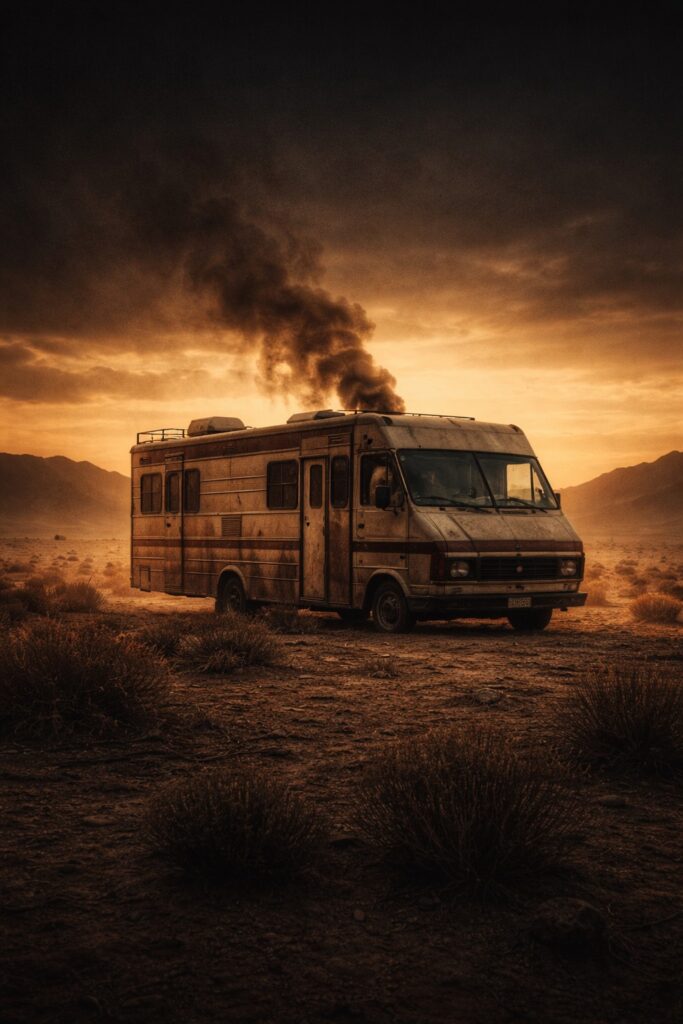
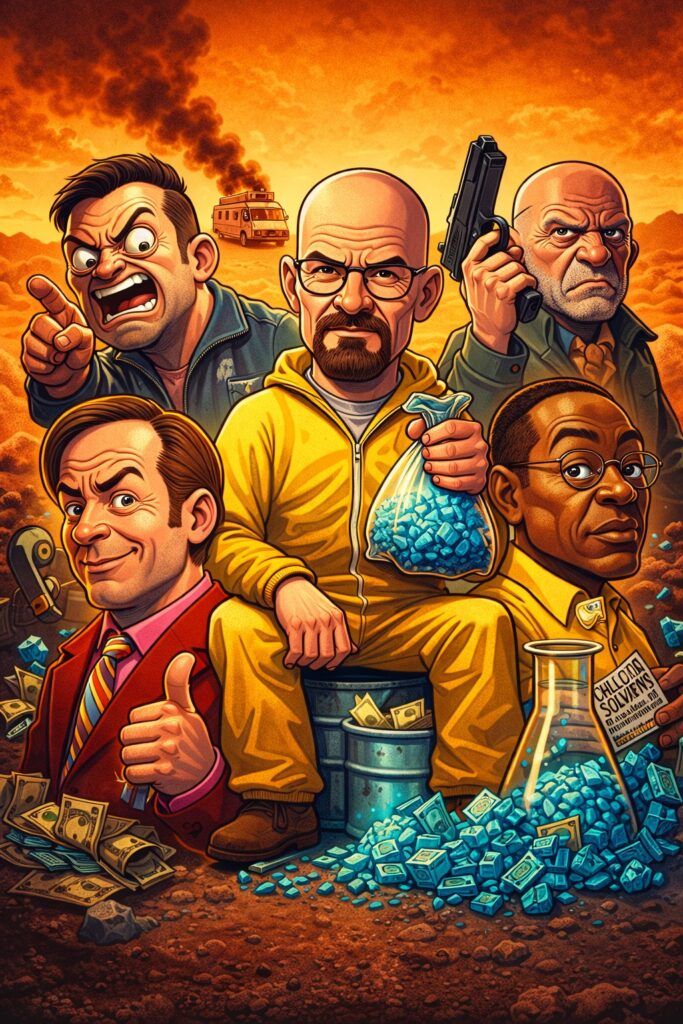
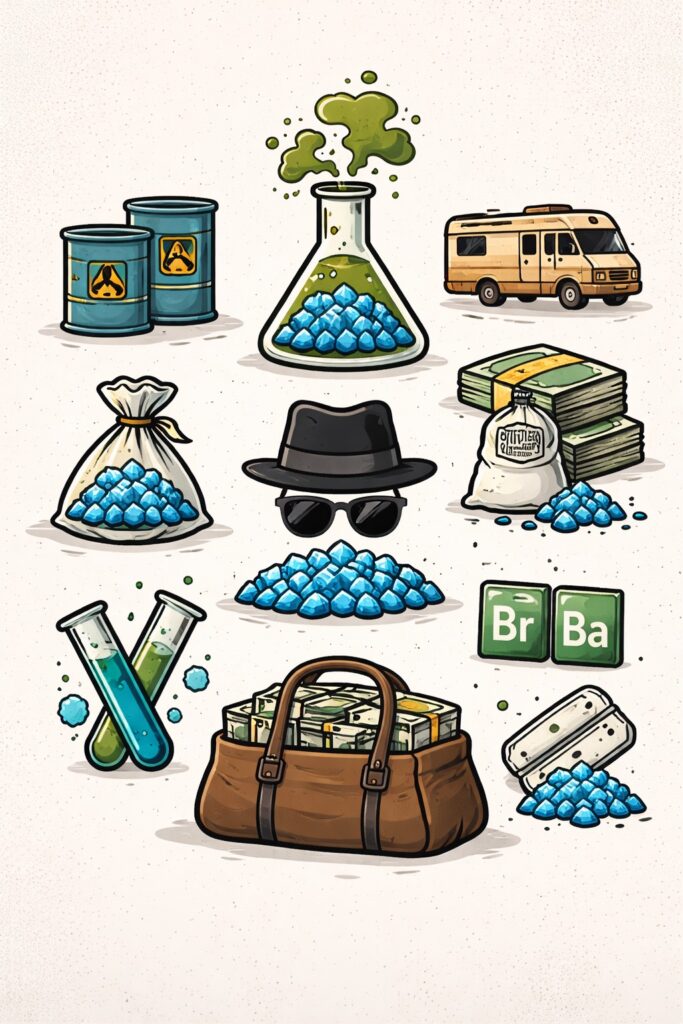
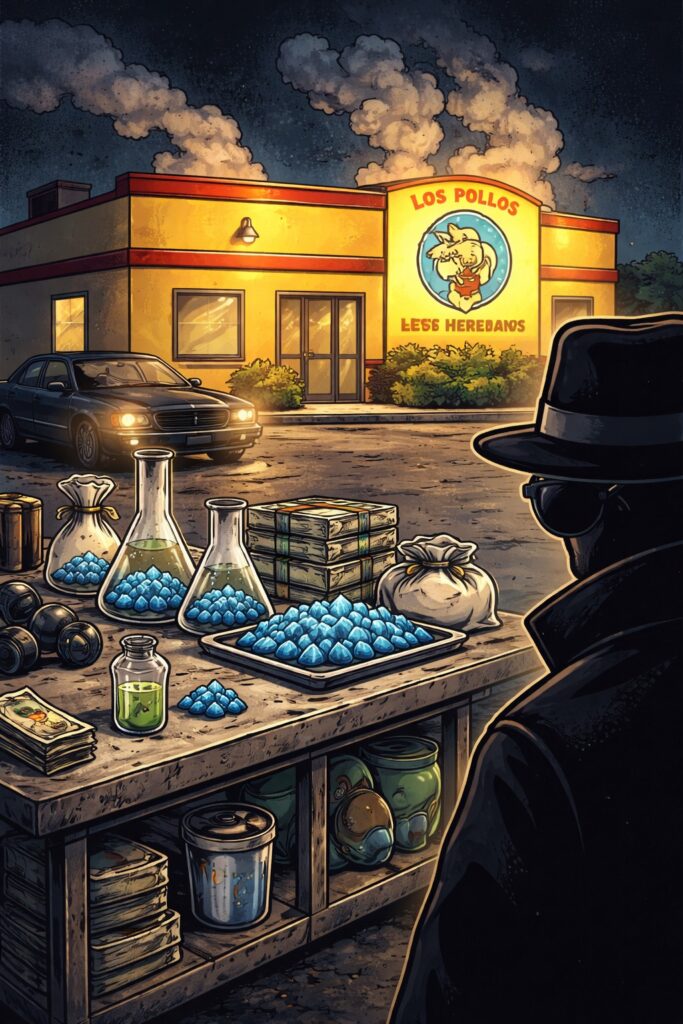
Breaking Bad is widely regarded as one of the greatest TV series of all time, blending crime, tension, and unforgettable storytelling into a modern classic. Set against the stark landscapes of New Mexico, the show’s visual style and symbolism have become instantly recognisable to fans around the world.
Below you’ll find a growing collection of free Breaking Bad–inspired wallpapers, designed for phone screens. These designs are inspired by the show’s iconic themes, imagery, and atmosphere, without using direct character likenesses. Feel free to download, save, and use them — and check back as more wallpapers are added over time.
Tap and hold any image to open it full size, then save it to your phone. Free to download and use.
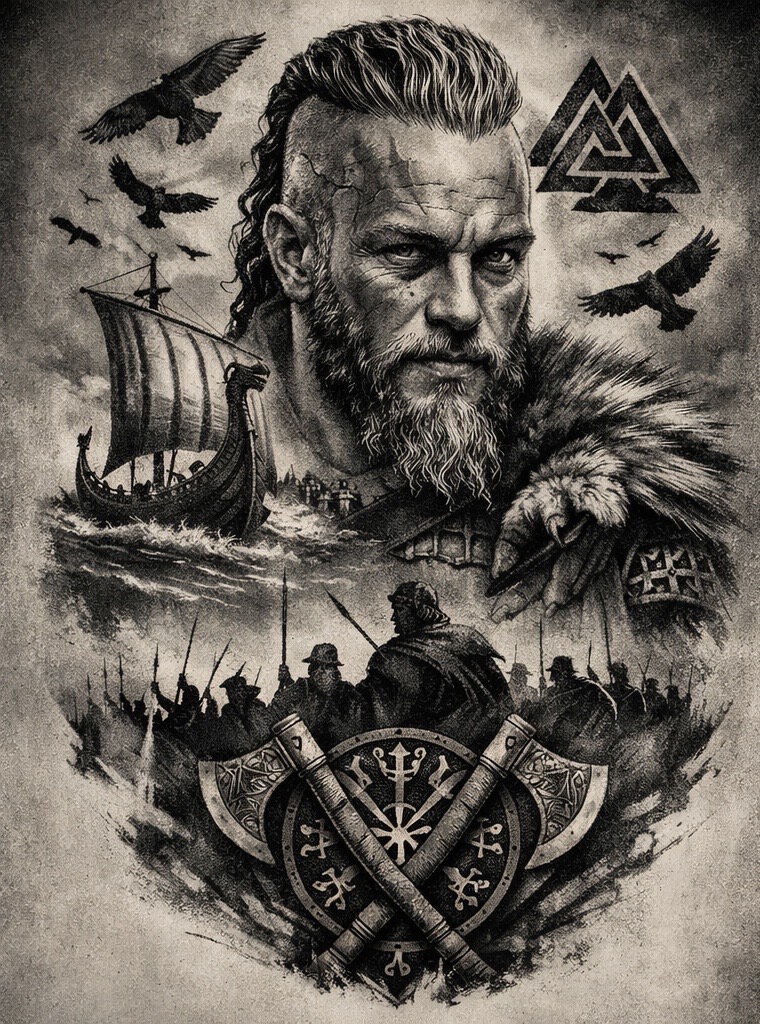
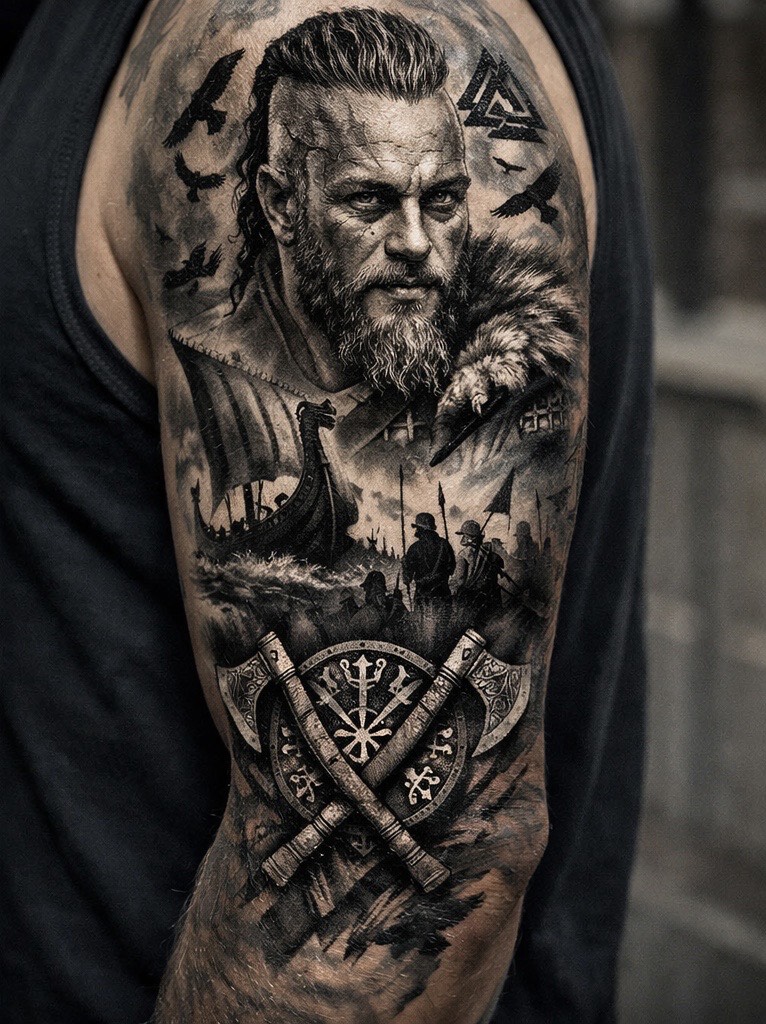
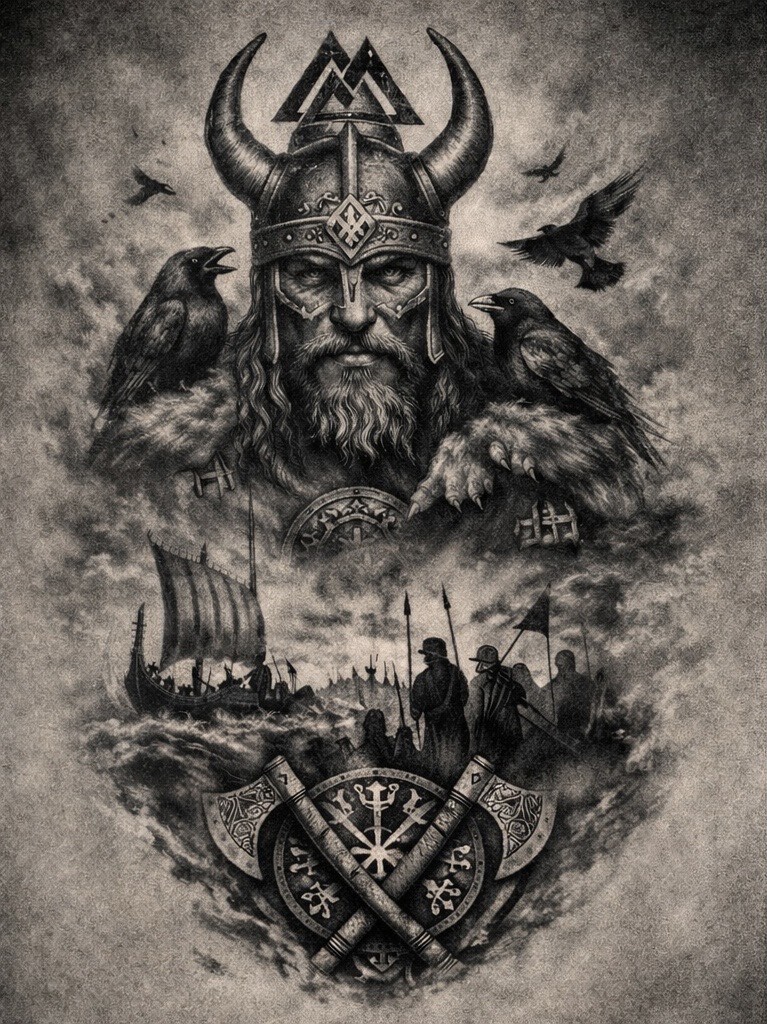
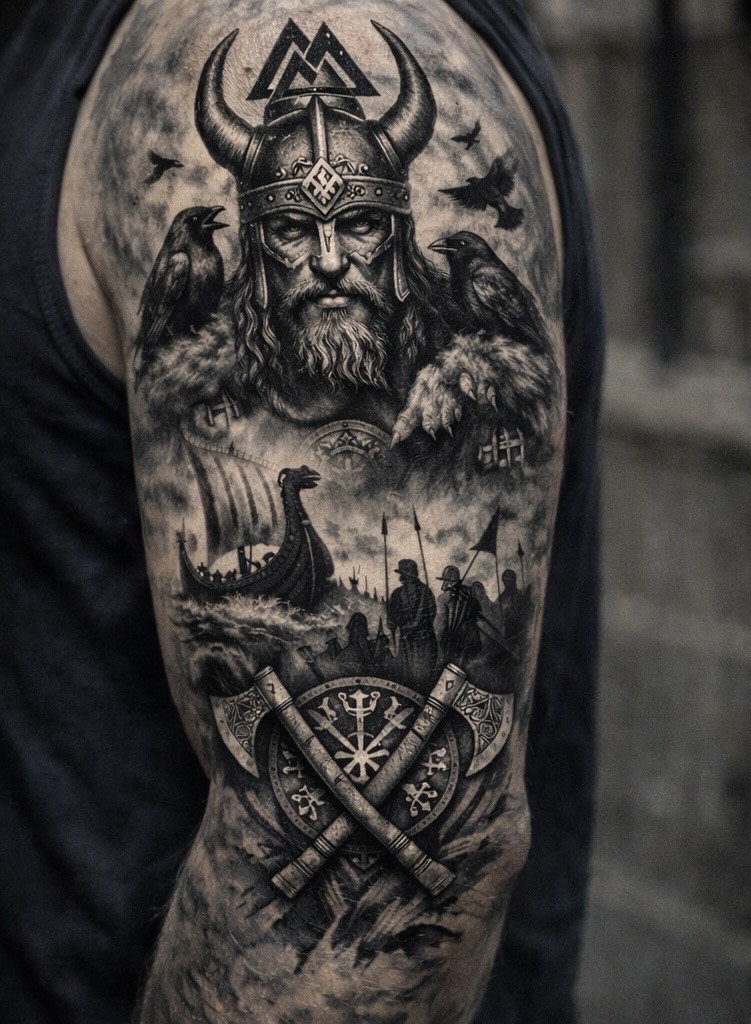
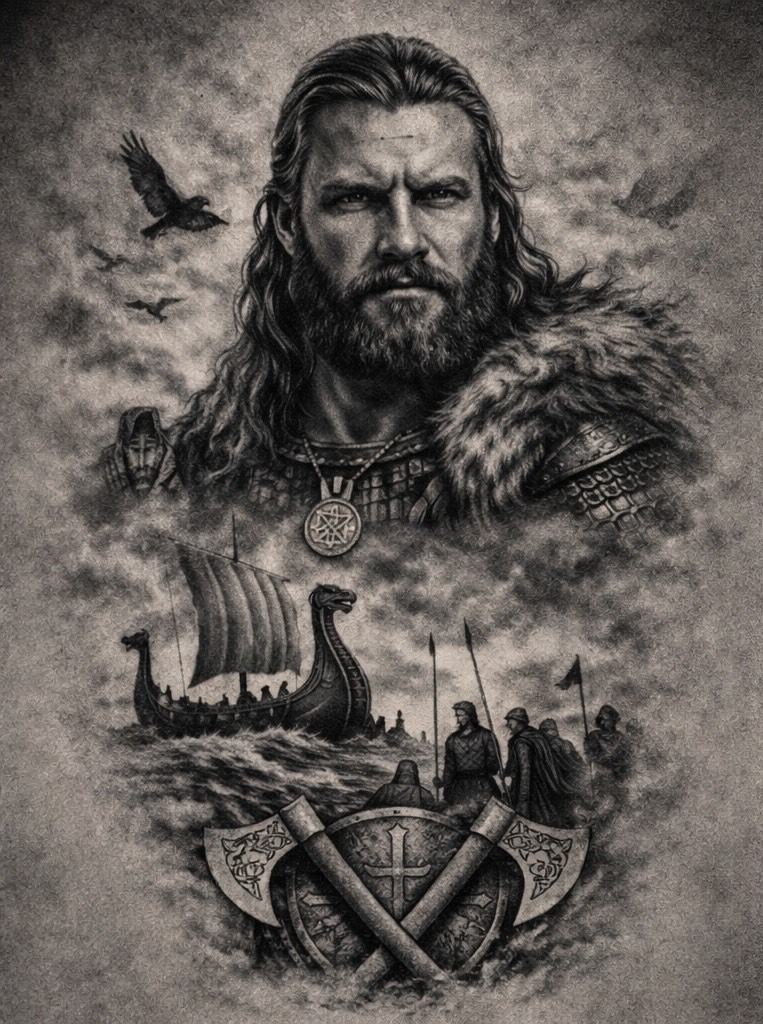
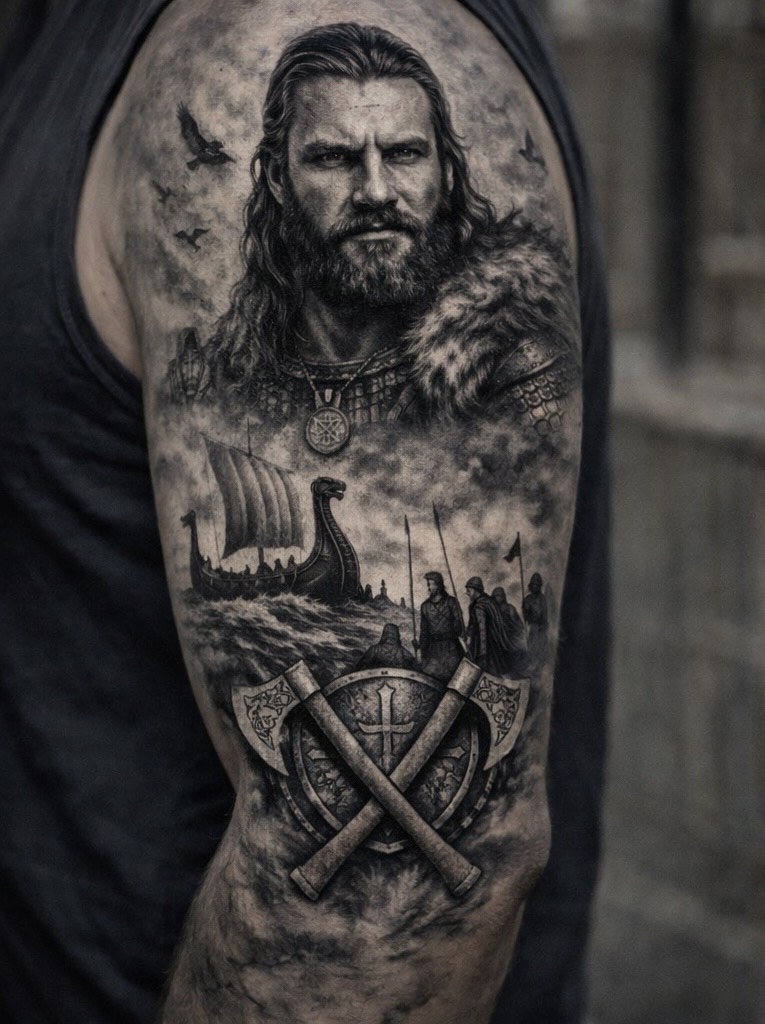
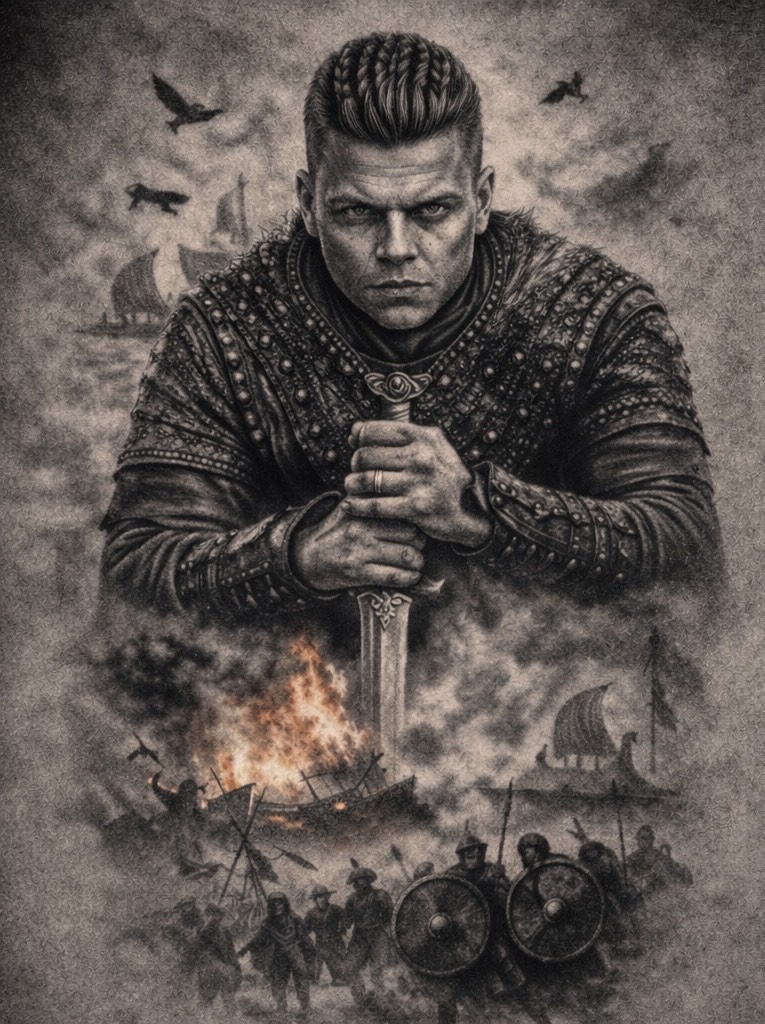
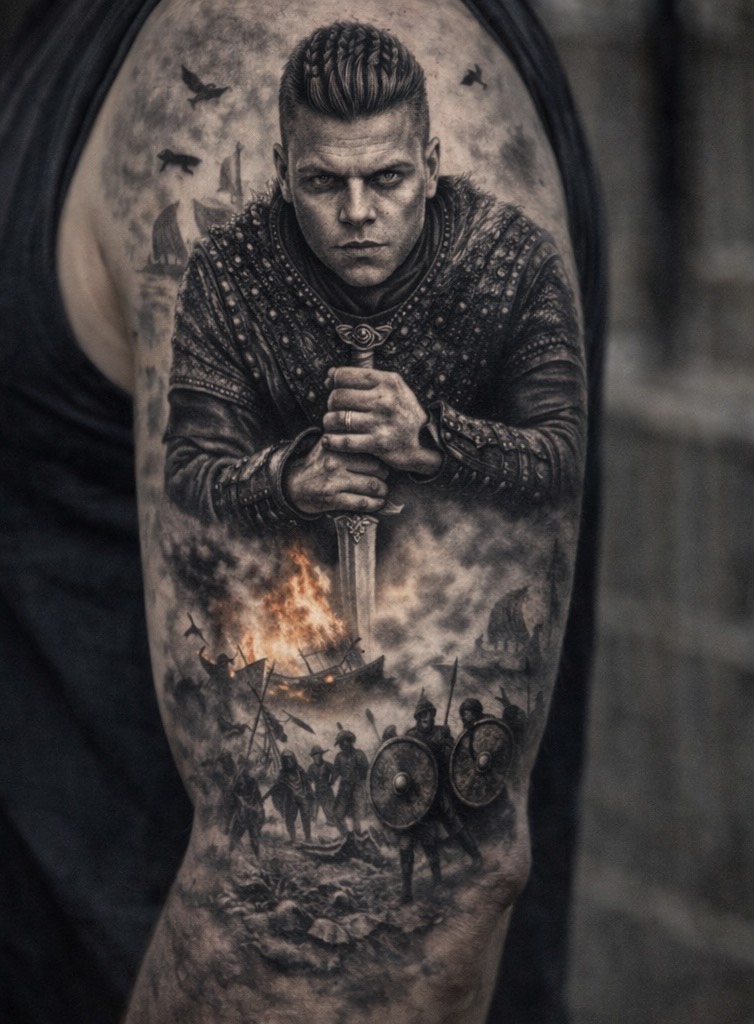
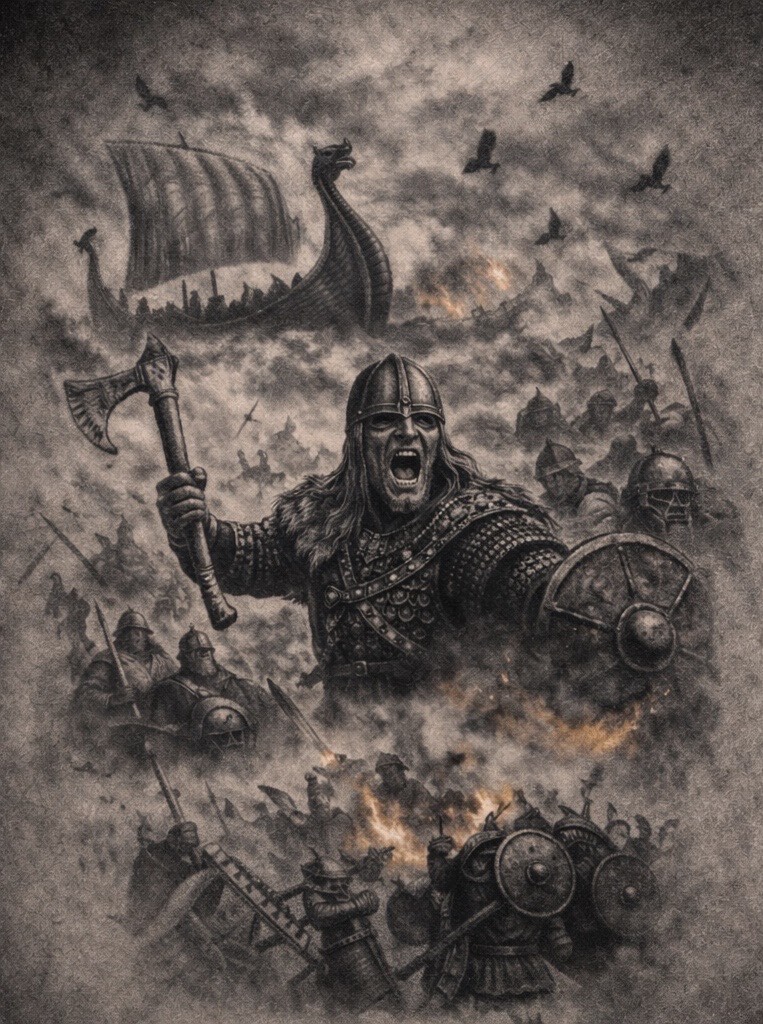
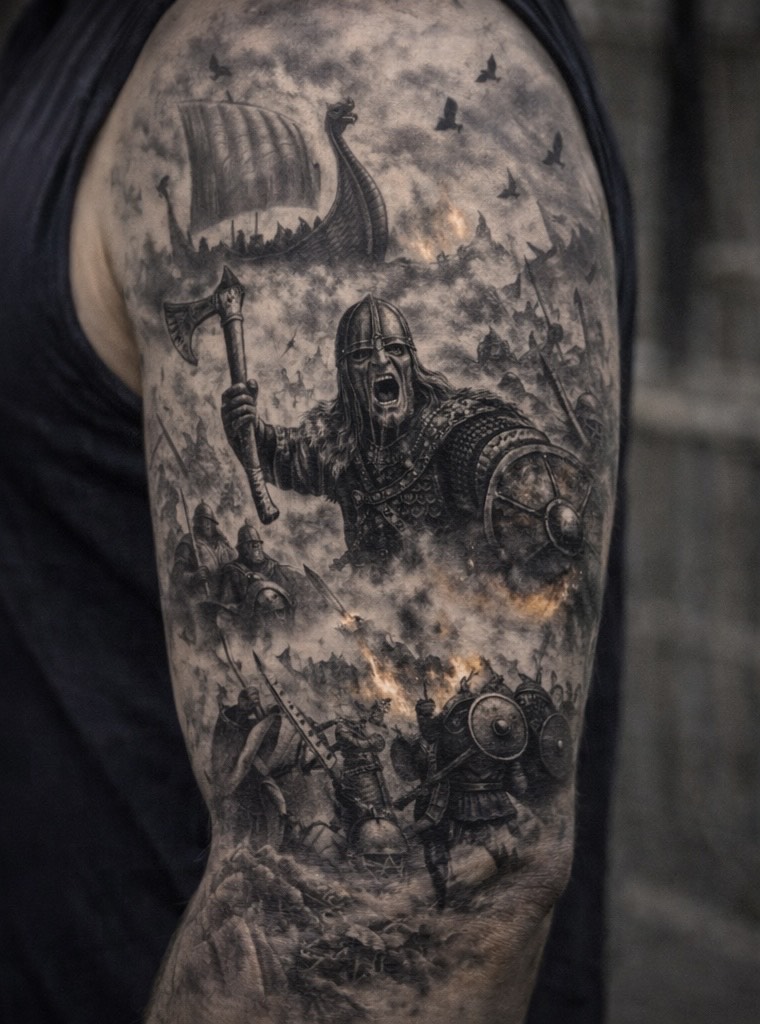
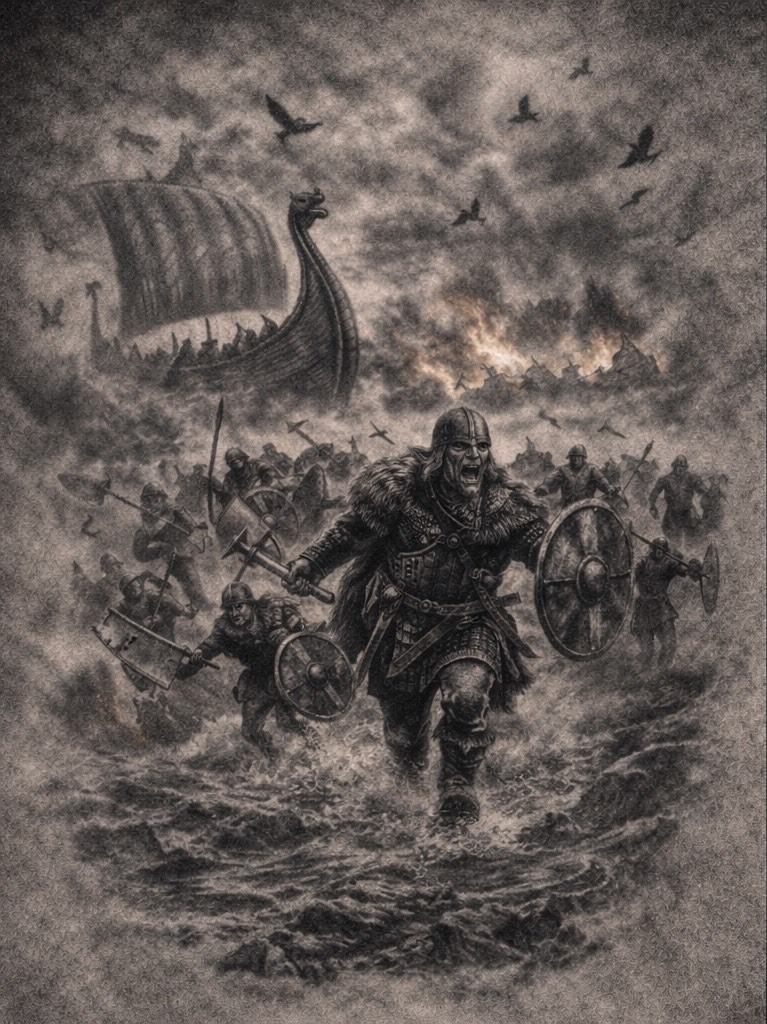
Viking tattoos draw on Norse mythology, legendary warriors, and the raw symbolism of the Viking age. Inspired by gods, runes, longships, battle scenes, and figures from Viking legend, these designs are built around strength, resilience, and identity.
This collection focuses on bold Viking tattoo concepts designed to work especially well as large pieces, including arm sleeves and statement tattoos. Each design is intended as reference artwork — something you can save, explore, and take to your tattoo artist to adapt for placement, scale, and personal style.
Whether you’re deeply into Norse history or simply drawn to the power and aesthetic of Viking imagery, these designs are about presence, storytelling, and tattoos that still hold weight years down the line.
Share with your mates
Posted on
Egyptian Tattoos
Egyptian tattoos have stood the test of time for a reason.
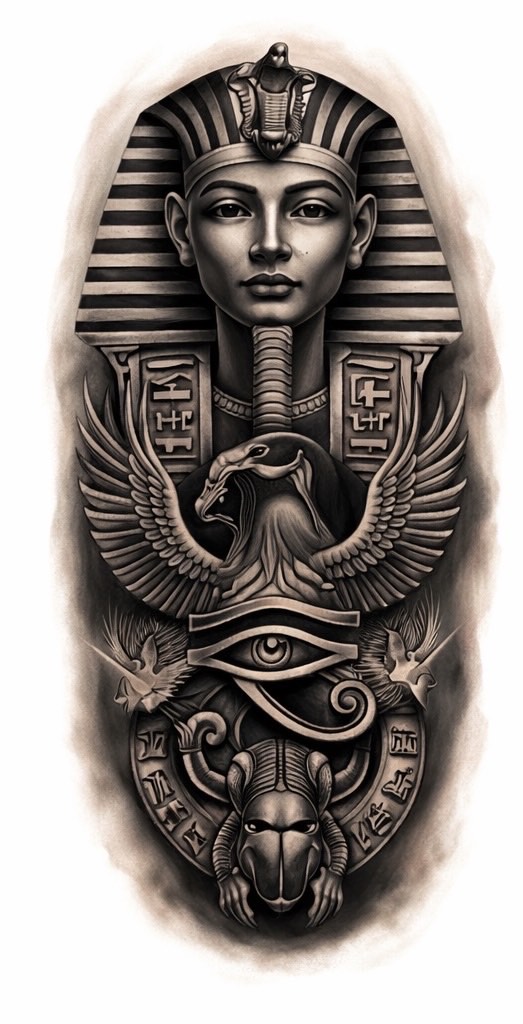
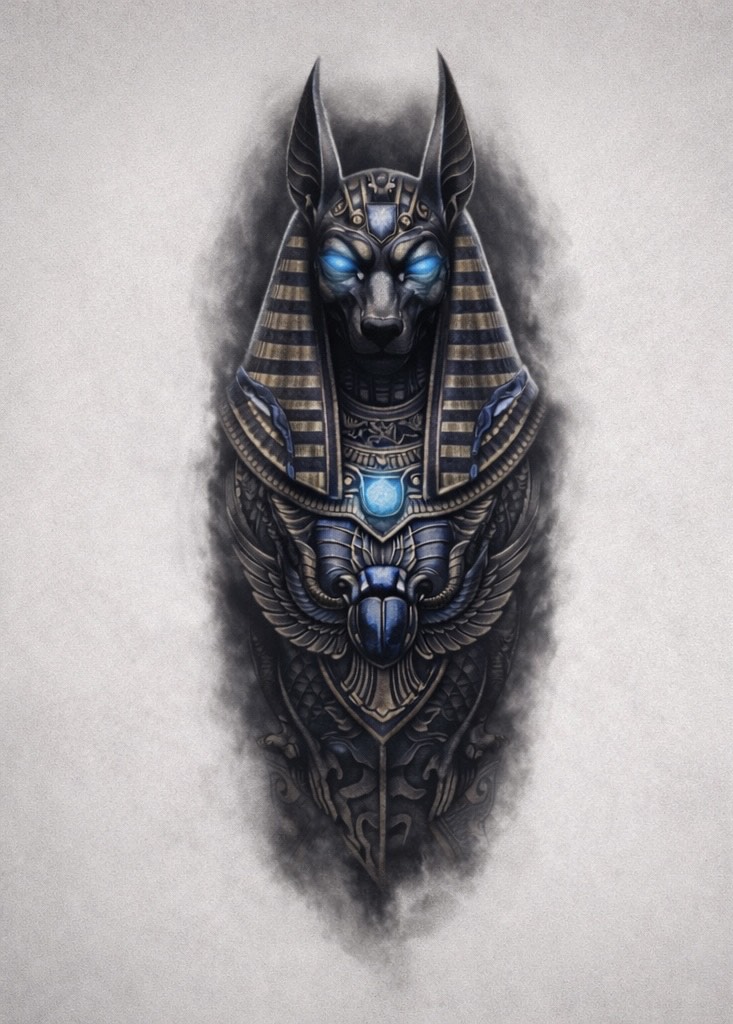
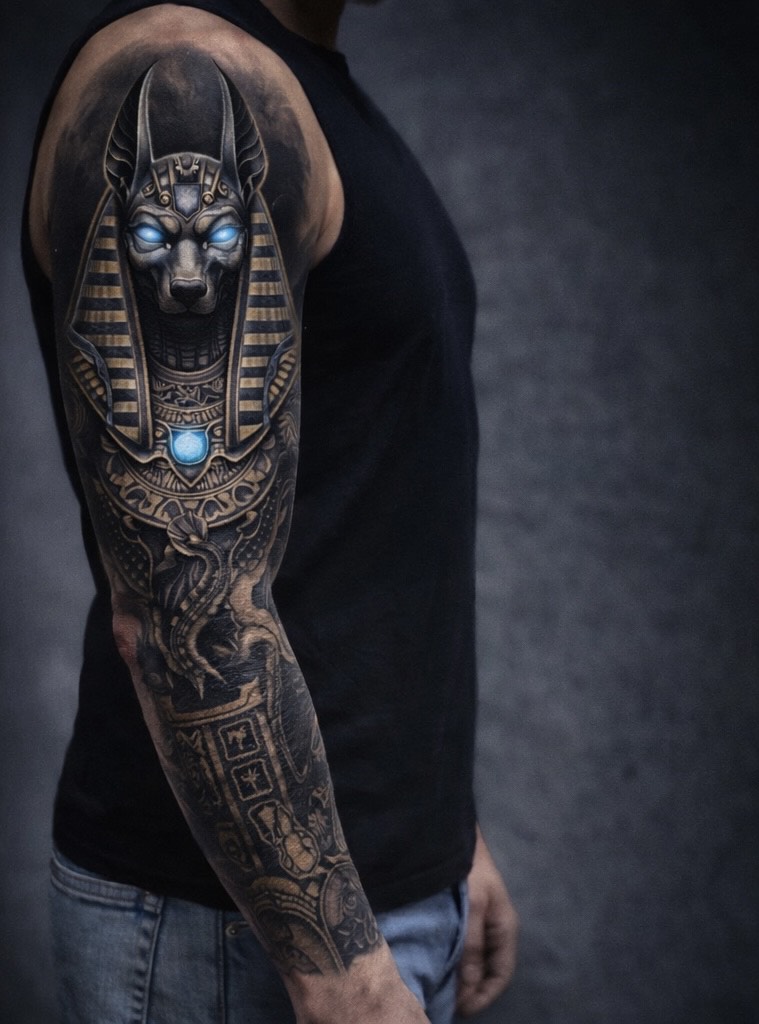
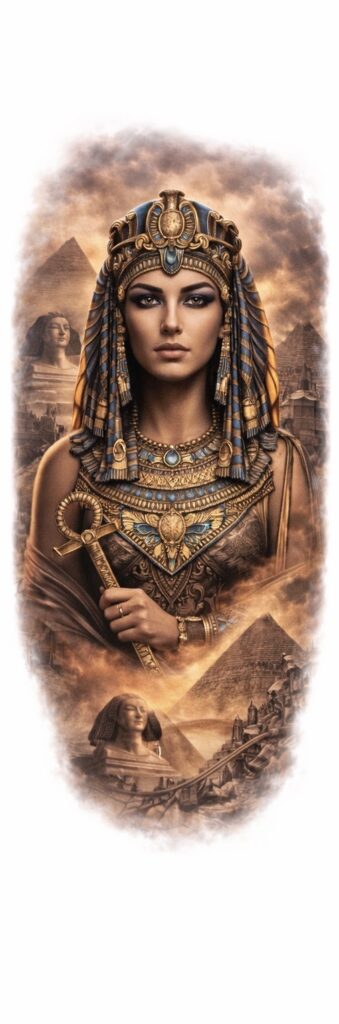
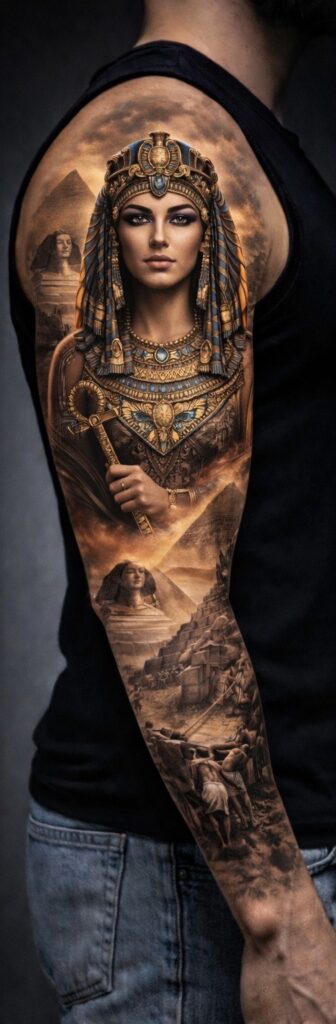
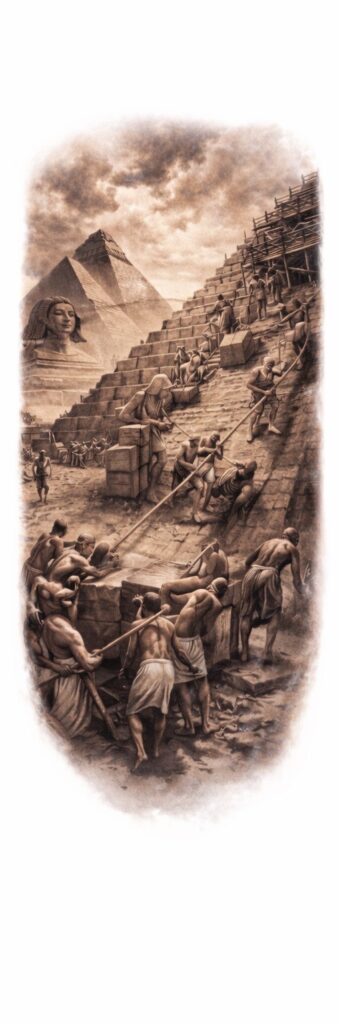
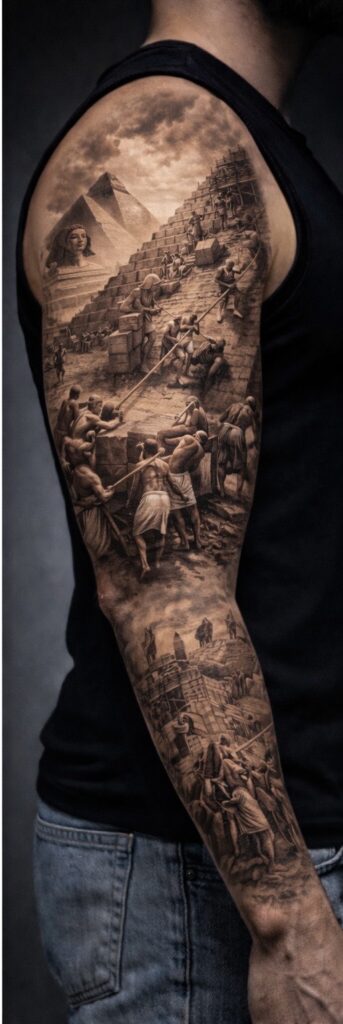
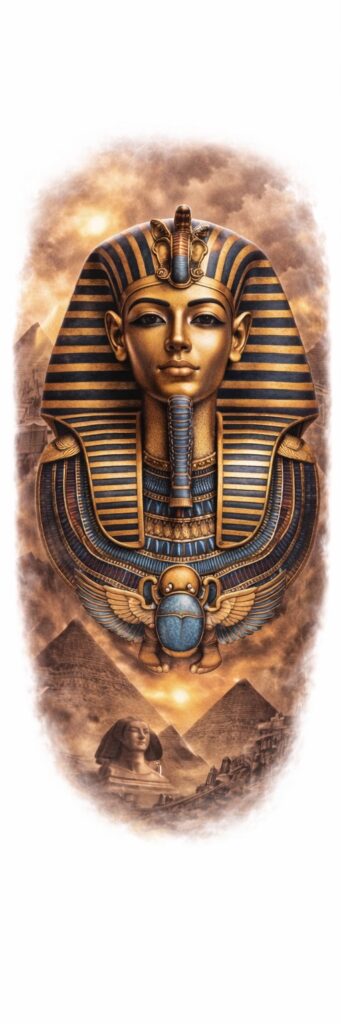
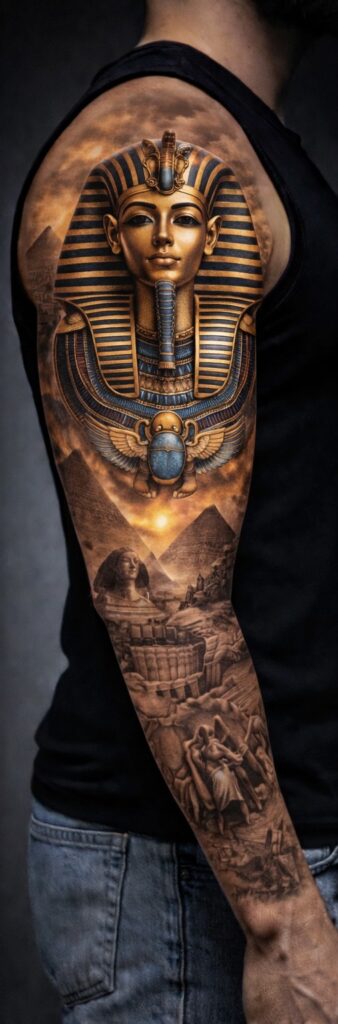
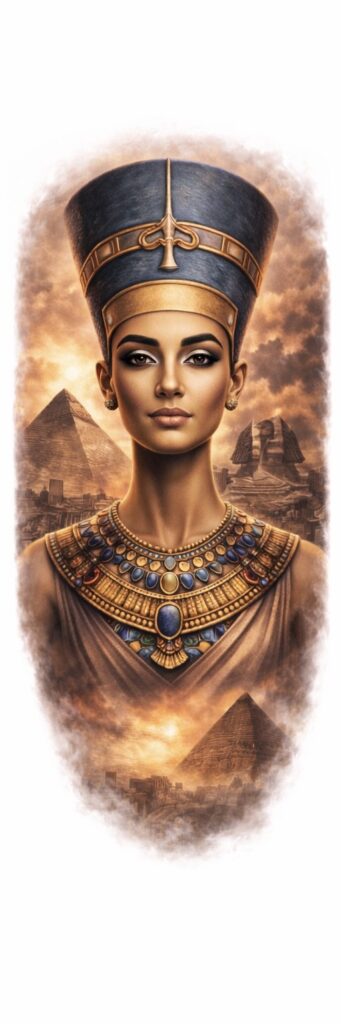
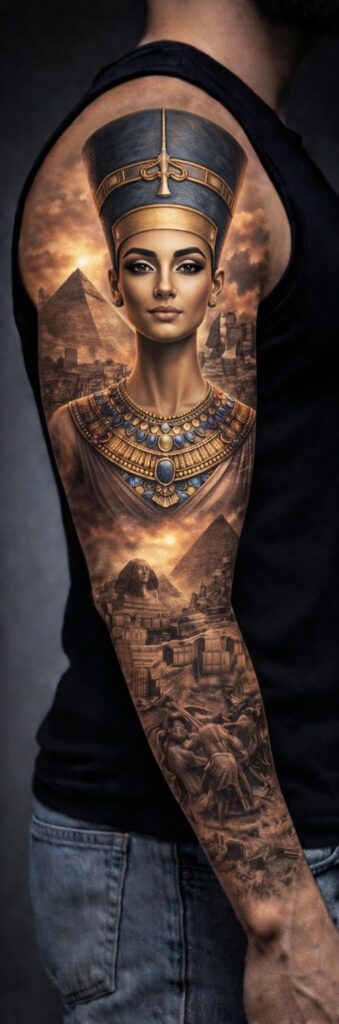
They’re bold, symbolic, and instantly recognisable — drawing on ancient gods, pharaohs, hieroglyphs, and myths that still feel powerful thousands of years later. From figures like Anubis, Tutankhamun, and Cleopatra to scenes of pyramids, warriors, and the afterlife, Egyptian tattoo designs are packed with meaning as well as visual impact.
On this page, you’ll find a growing collection of Egyptian tattoo concepts, designed to work as strong standalone pieces or as part of larger compositions. Each design is intended as reference artwork — something you can save, study, and take to your tattoo artist to adapt to your body, style, and placement.
Egyptian Arm Sleeve Tattoo Ideas
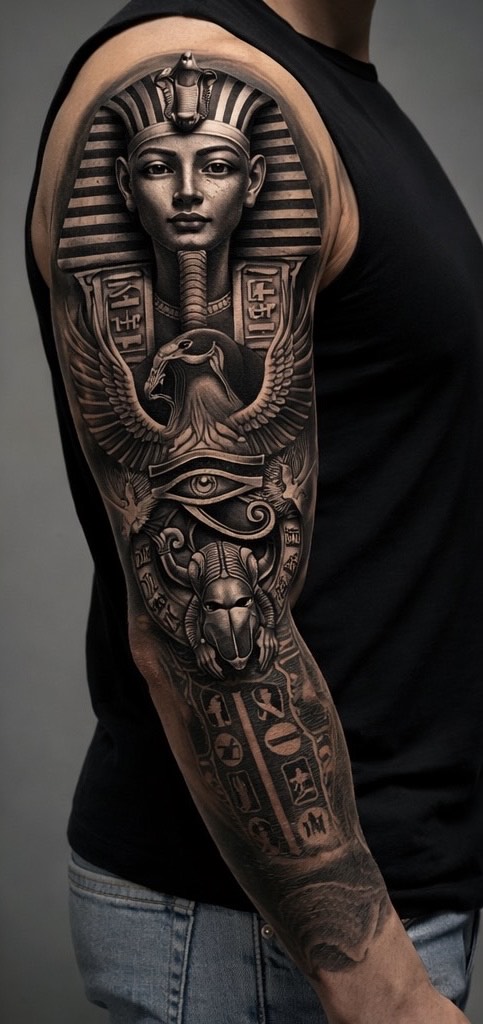
These Egyptian arm sleeve designs are created with flow and placement in mind, showing how a full concept can wrap and sit naturally on the arm. Each example includes the original artwork alongside a sleeve-style mock-up to help visualise scale, balance, and overall impact.
Feel free to download any design as inspiration and discuss adjustments with your tattoo artist — whether that’s refining detail, extending the sleeve, or blending elements into an existing tattoo.
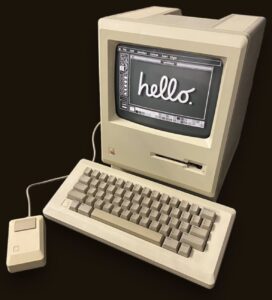
By 1984, computers were no longer just something you saw in offices or on the news.
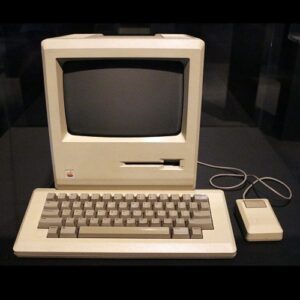
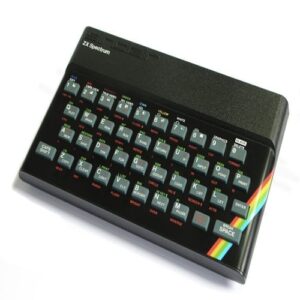
Machines like the Apple Macintosh and the ZX Spectrum were making computers feel personal — something you could actually sit in front of at home.
In the UK especially, the Spectrum became part of everyday life. Games loaded from cassette tapes, screens flashed with colour blocks, and kids learned patience the hard way waiting for something to load.
🎮 Games and Technology Were Colliding
Home gaming was exploding. Arcades were still busy, but more and more people were playing at home.
The graphics were basic, the sound was rough, but the ideas were huge.
This was the era where games felt new, experimental, and slightly unpredictable — sometimes they worked, sometimes they crashed, and everyone accepted that as normal.
🎶 Music Was Loud, Visual, and Everywhere
Music in 1984 wasn’t just something you listened to — it was something you watched.
Music videos were becoming a big deal, synth sounds were everywhere, and pop culture felt bold and futuristic.
This was a time when artists didn’t just release songs — they released images, styles, and attitudes.
📼 Everyday Life Looked Very Different
Evenings were simple.
Video rental shops, CRT televisions, and shelves full of VHS tapes. You picked what was left, not what you wanted, and somehow it was still exciting.
No streaming, no instant access — just whatever was available and a bit of imagination.
🧠 Looking Back
1984 sits in that interesting space where things were clearly changing, but nobody quite knew where they were heading.
Digital was arriving, but analogue still ruled. Technology was improving fast, but still felt rough around the edges.
For a lot of people, this was the backdrop to growing up — without realising they were watching the foundations of modern life being laid.