

If your iPhone keeps telling you storage is full and nudging you to pay for more space, don’t panic — and definitely don’t pay just yet. In most cases, your phone is clogged up with stuff you don’t actually need, and you can free up a surprising amount of space in a few minutes.
Here are a few simple ways to clear storage without deleting everything or handing over more money.
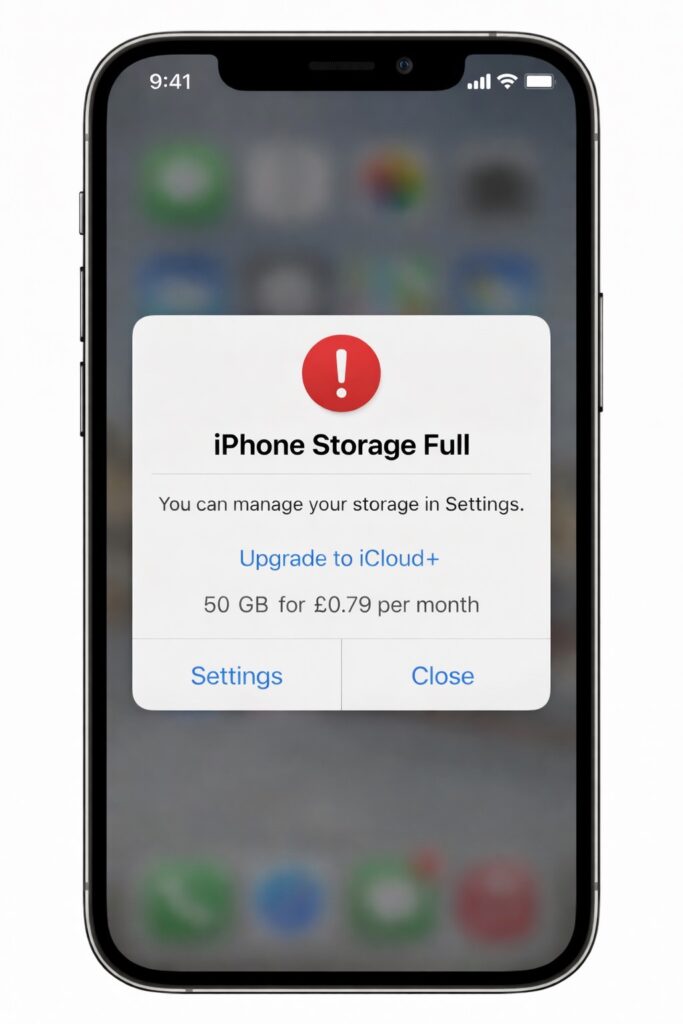
1. Check What’s Eating Your Storage
Go to:
Settings → General → iPhone Storage
Give it a moment to load. This shows exactly what’s taking up space — for most people it’s photos, videos, WhatsApp, or apps they forgot they even had.
2. Clear Old Messages & Media
Messaging apps quietly store photos, videos, and voice notes forever.
- Open Messages or WhatsApp
- Check chats with lots of media
- Delete old videos and voice notes you don’t need
This alone can free up a lot of space.
3. Offload Apps You Don’t Use
Your iPhone can remove unused apps but keep your data.
Go to:
Settings → General → iPhone Storage → Enable “Offload Unused Apps”
You can reinstall them anytime without losing anything.
4. Photos: The Big One
If photos are the main problem:
- Turn on iCloud Photos (if you use it)
- Enable Optimise iPhone Storage
This keeps full-quality photos in the cloud and smaller versions on your phone.
5. Restart Your Phone (Seriously)
It sounds obvious, but restarting can clear cached junk and make storage recalculate properly.
Quick tip:
If your phone is constantly full, it might be time to move photos to cloud storage or a computer. iPhones aren’t meant to hold everything forever.