Watch some of the most explosive and memorable knockouts from the career of Prince Naseem Ahmed. Known for unbelievable speed and finishing power, these highlights show exactly why he became a legend in the ring and left boxing fans in awe.
Prince Naseem Ahmed: Rise, Decline, and Legacy
This documentary looks at the rise, decline, and lasting legacy of Prince Naseem Ahmed, one of the most naturally gifted fighters British boxing has ever produced. From his explosive talent and unique style to the injuries and decisions that shortened his time at the top, it’s a fascinating look at how quickly success can turn — and why his name still divides opinion today.
Standing Barbell Press for Shoulder Strength
This short clip shows how to crank up your shoulder strength with a standing barbell press — quick, no-nonsense, and straight to the point if you’re serious about gains. A solid reminder of correct form and intensity for anyone pushing their upper-body workouts.
Random Lad Fact of the Day:

Most men will happily spend 20–30 minutes trying to fix something themselves (without instructions), even if a professional could do it in 5 — purely because winning against the object matters more than time, money, or dignity.
That instinct comes from the same place as:
- refusing to ask for directions
- rebuilding something after watching one video
- saying “I’ll just have a quick look” and disappearing for an hour
It’s not about efficiency.
It’s about not being beaten by a thing.
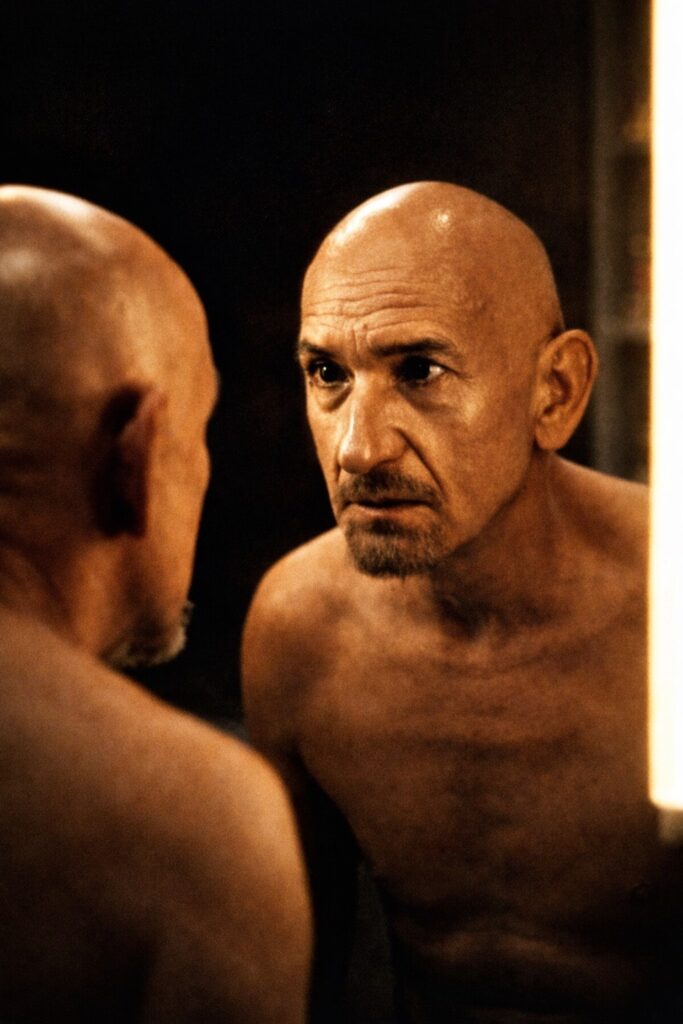
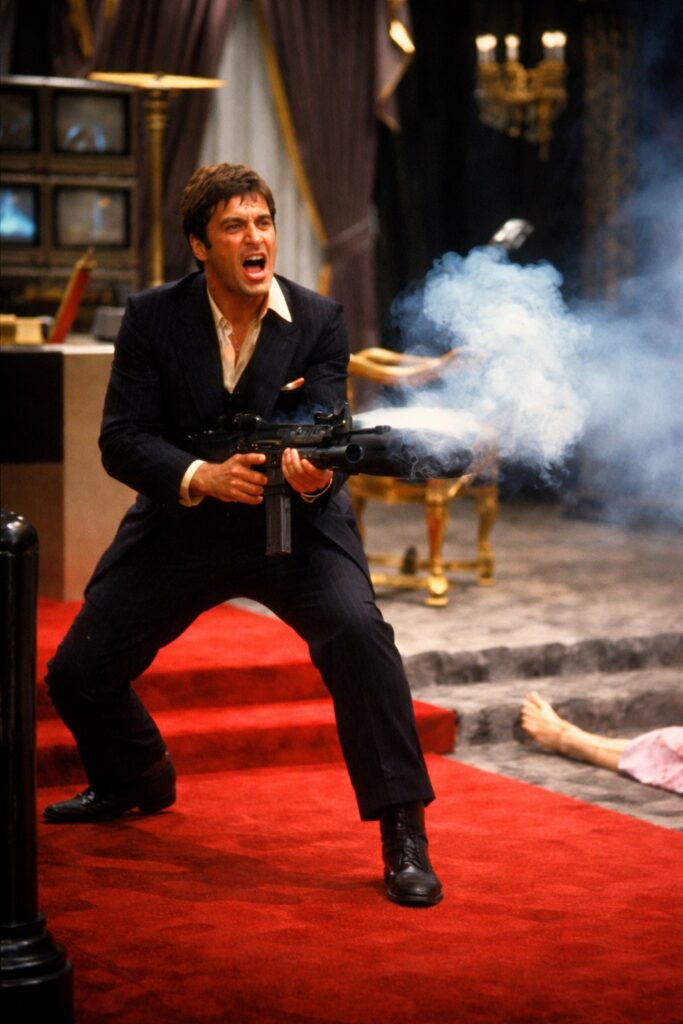
Free Classic Movie Wallpapers



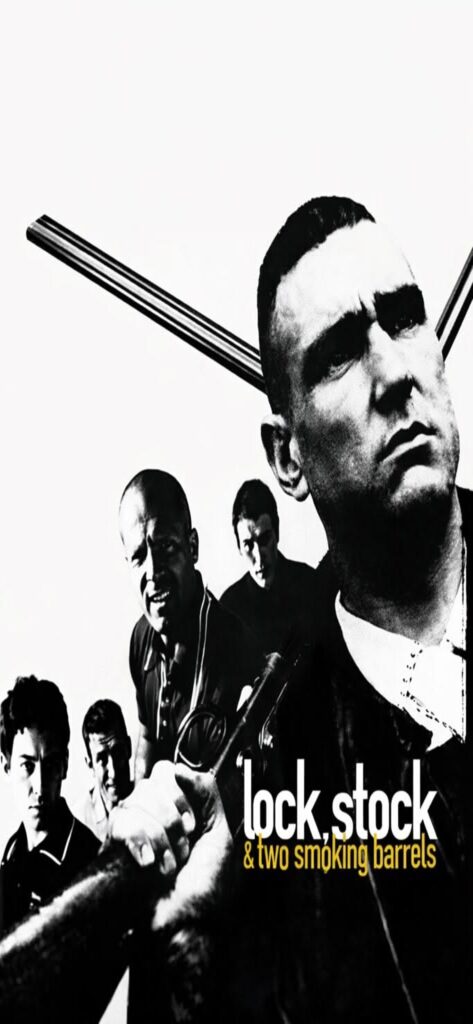
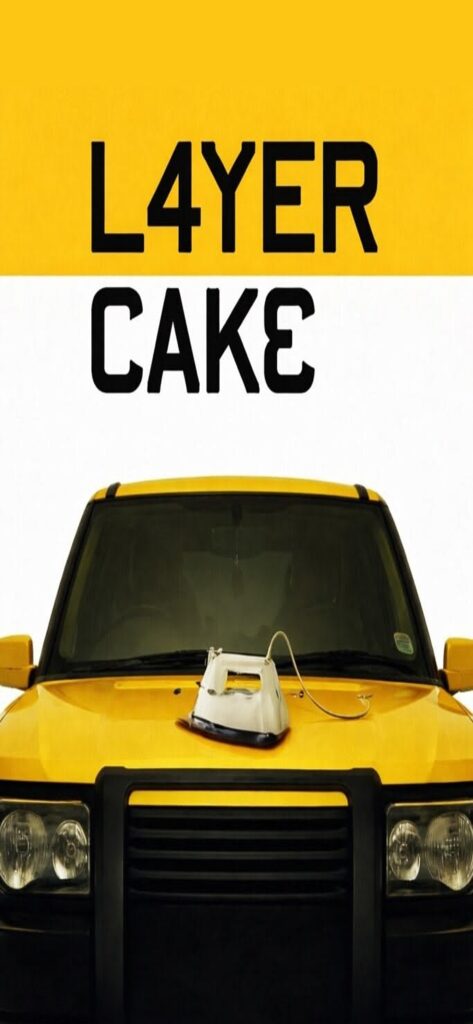
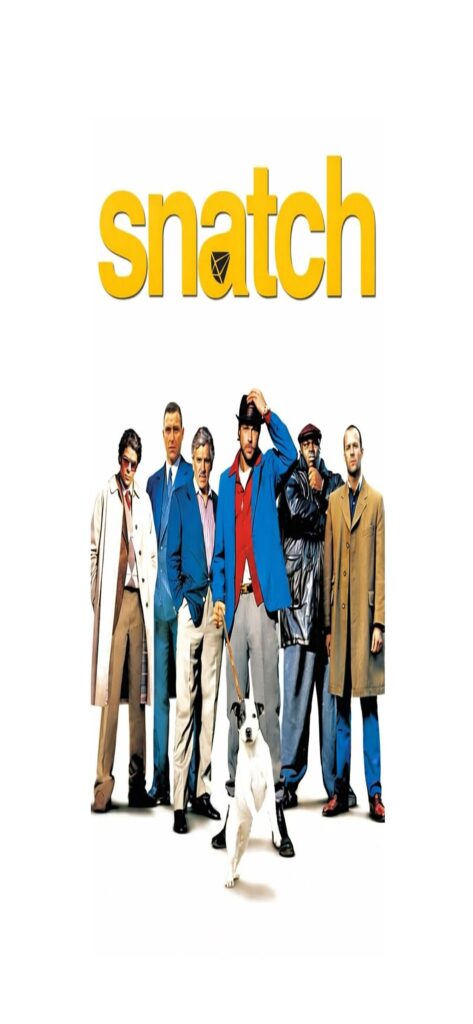
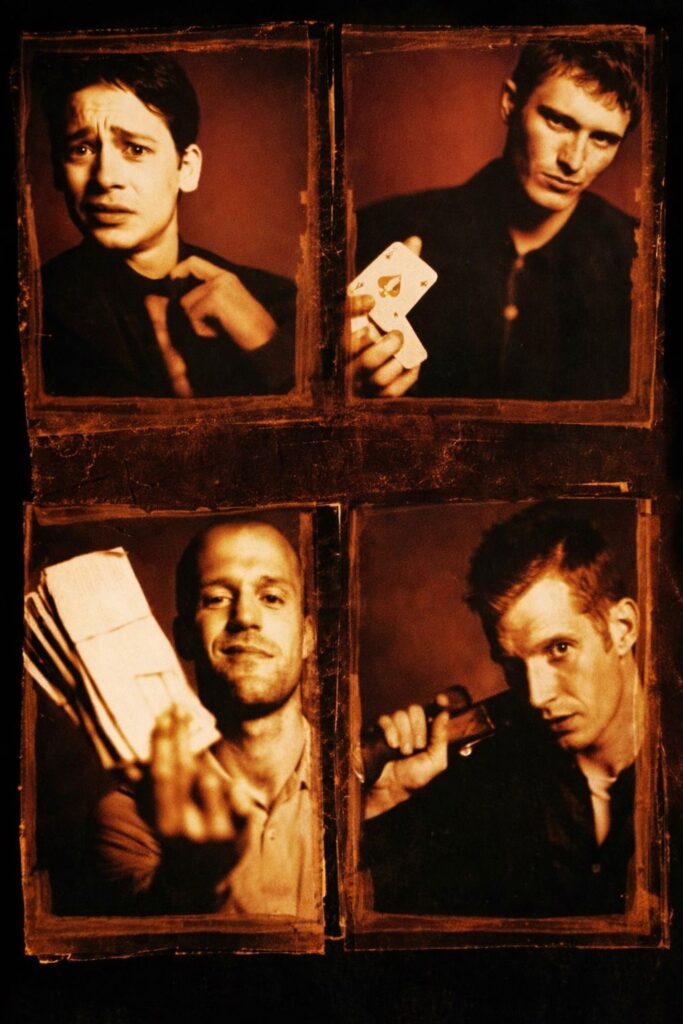
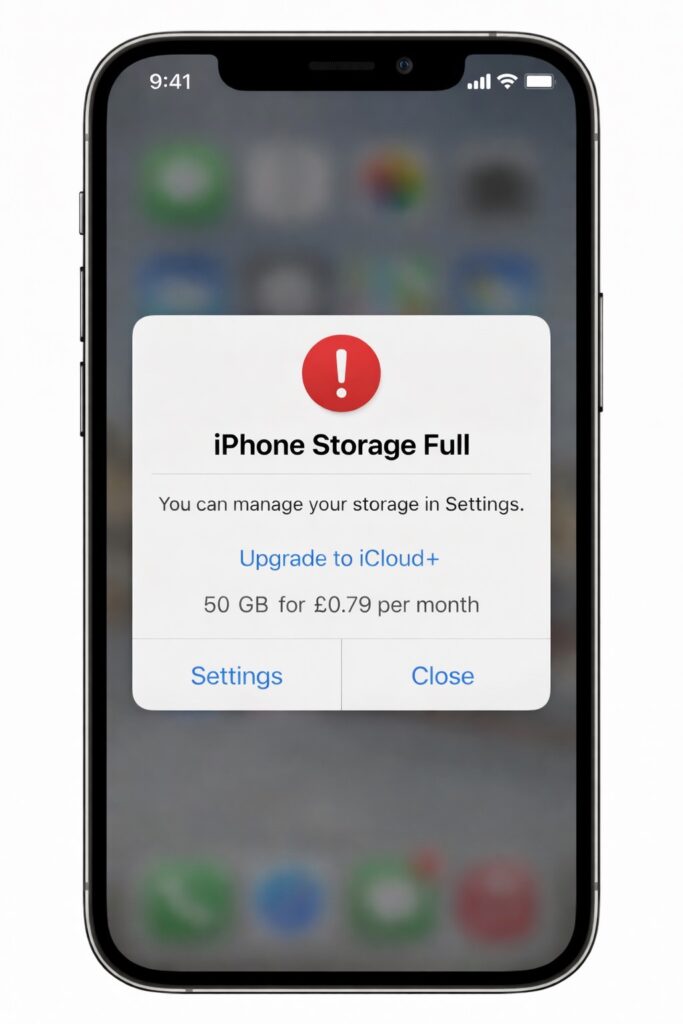
iPhone Saying Storage Is Full and Asking You to Pay for More Storage? Try This First

If your iPhone keeps telling you storage is full and nudging you to pay for more space, don’t panic — and definitely don’t pay just yet. In most cases, your phone is clogged up with stuff you don’t actually need, and you can free up a surprising amount of space in a few minutes.
Here are a few simple ways to clear storage without deleting everything or handing over more money.
1. Check What’s Eating Your Storage
Go to:
Settings → General → iPhone Storage
Give it a moment to load. This shows exactly what’s taking up space — for most people it’s photos, videos, WhatsApp, or apps they forgot they even had.
2. Clear Old Messages & Media
Messaging apps quietly store photos, videos, and voice notes forever.
- Open Messages or WhatsApp
- Check chats with lots of media
- Delete old videos and voice notes you don’t need
This alone can free up a lot of space.
3. Offload Apps You Don’t Use
Your iPhone can remove unused apps but keep your data.
Go to:
Settings → General → iPhone Storage → Enable “Offload Unused Apps”
You can reinstall them anytime without losing anything.
4. Photos: The Big One
If photos are the main problem:
- Turn on iCloud Photos (if you use it)
- Enable Optimise iPhone Storage
This keeps full-quality photos in the cloud and smaller versions on your phone.
5. Restart Your Phone (Seriously)
It sounds obvious, but restarting can clear cached junk and make storage recalculate properly.
Quick tip:
If your phone is constantly full, it might be time to move photos to cloud storage or a computer. iPhones aren’t meant to hold everything forever.
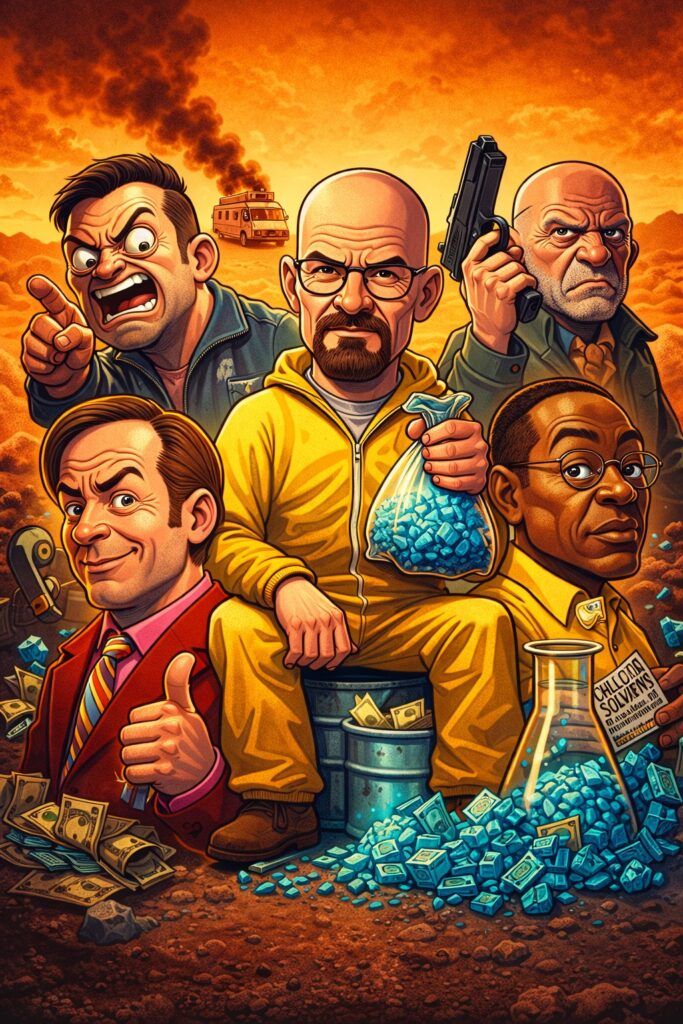
Free Breaking Bad Phone Wallpapers


24th January 1984 – The Macintosh dropped.
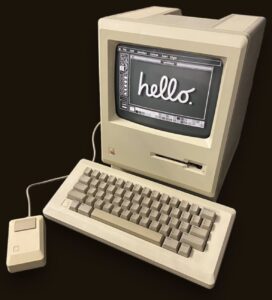
On this day in 1984, the Macintosh was launched.
One computer. One screen. One mouse.
And it greeted you with: “Hello.”
Steve Jobs was obsessed with that moment.
So obsessed, he told the team it would ship late —
and credit would be removed — if it didn’t feel right.
It wasn’t just a computer.
It was a first impression.
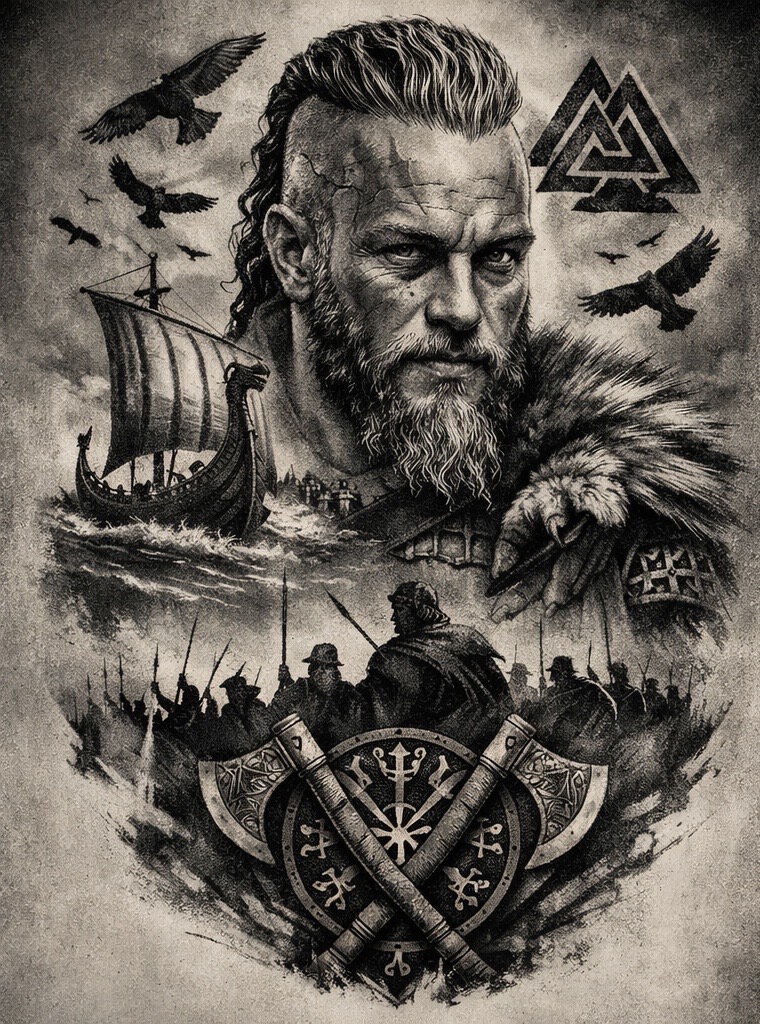
Viking Tattoos
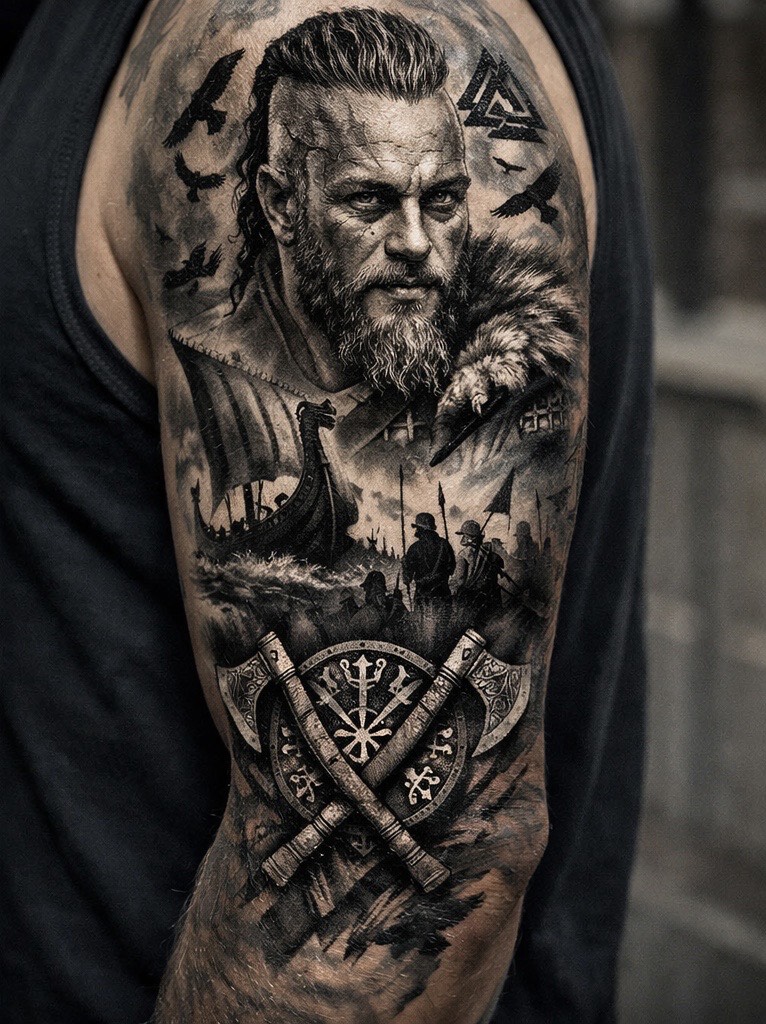
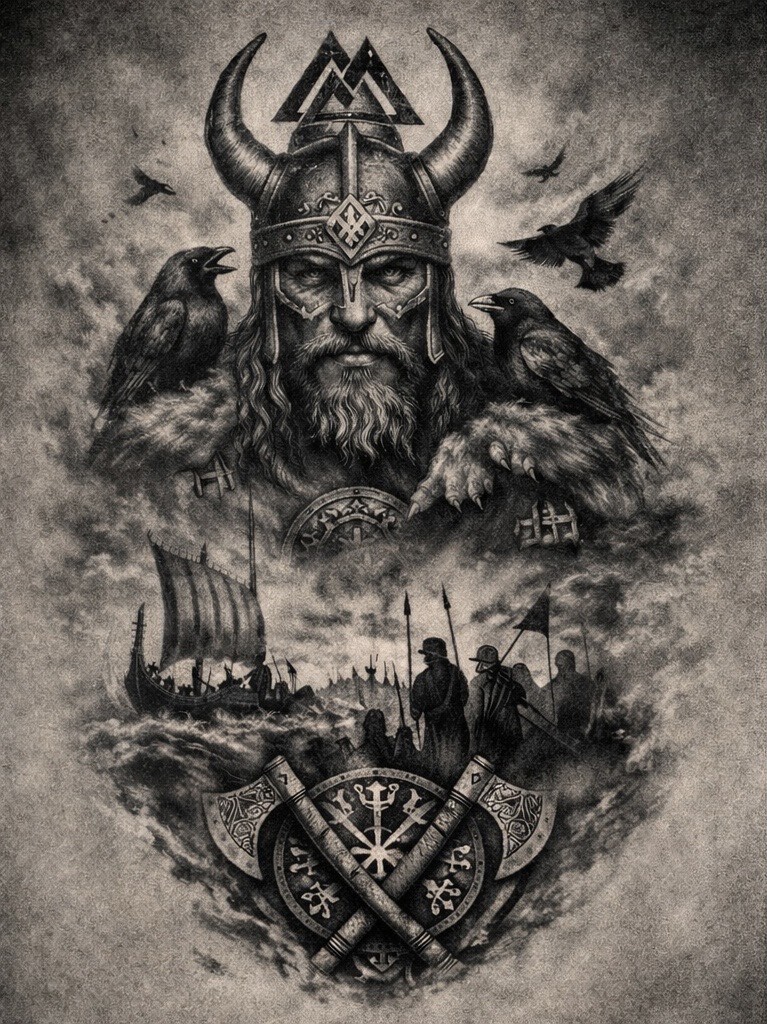
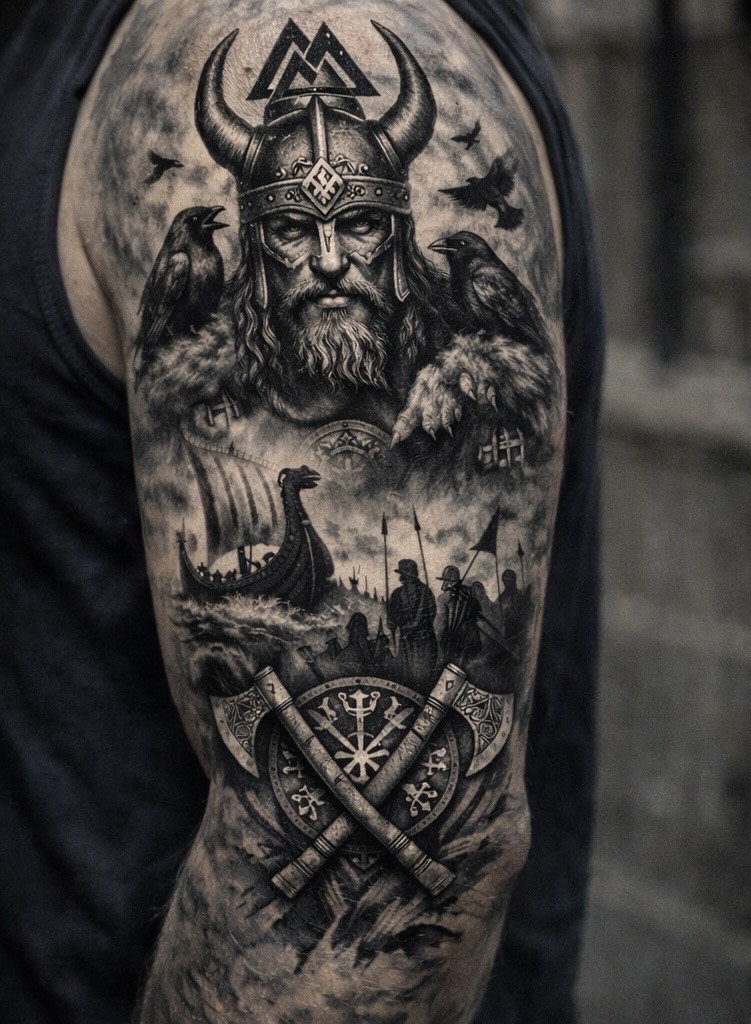
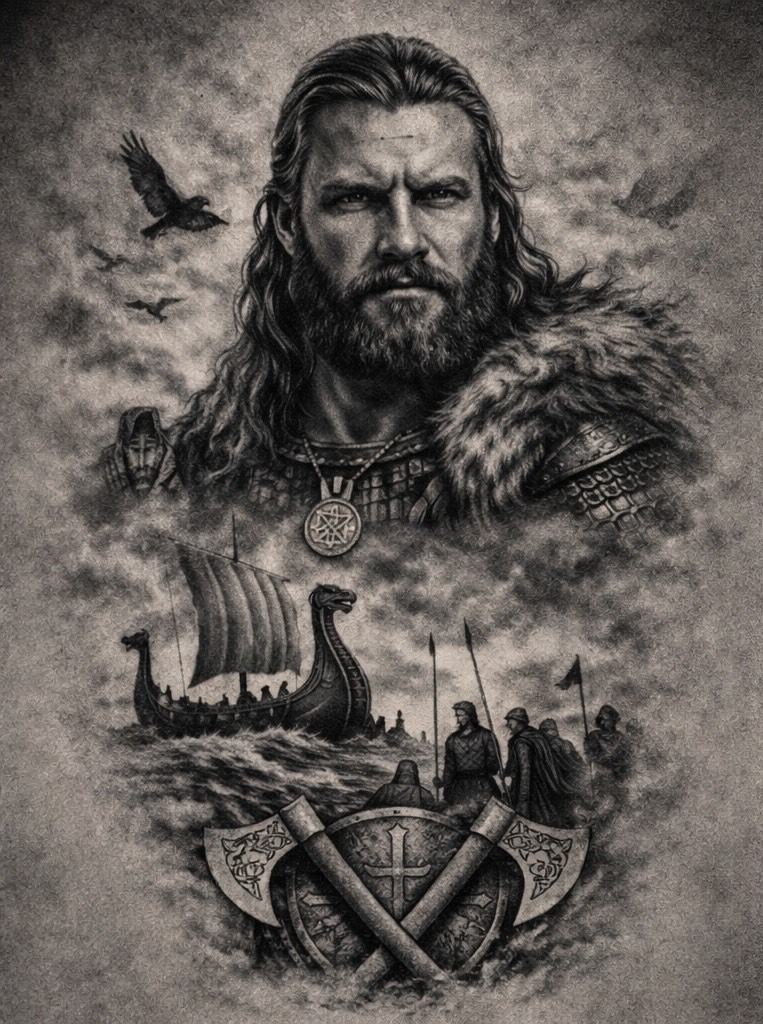
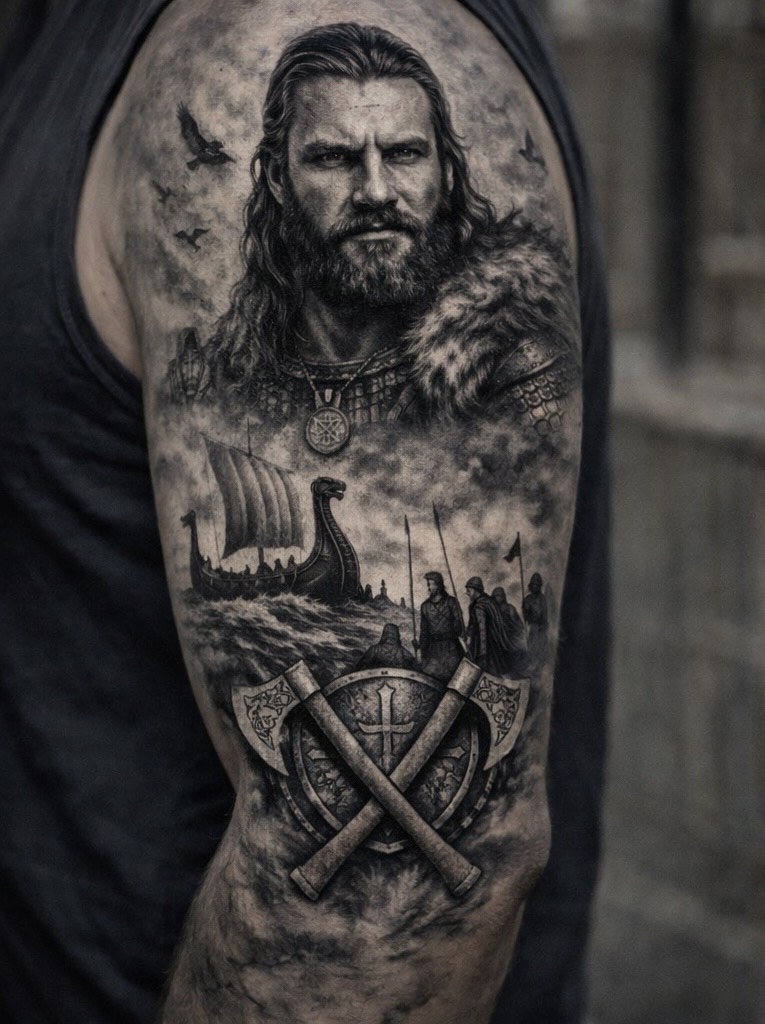
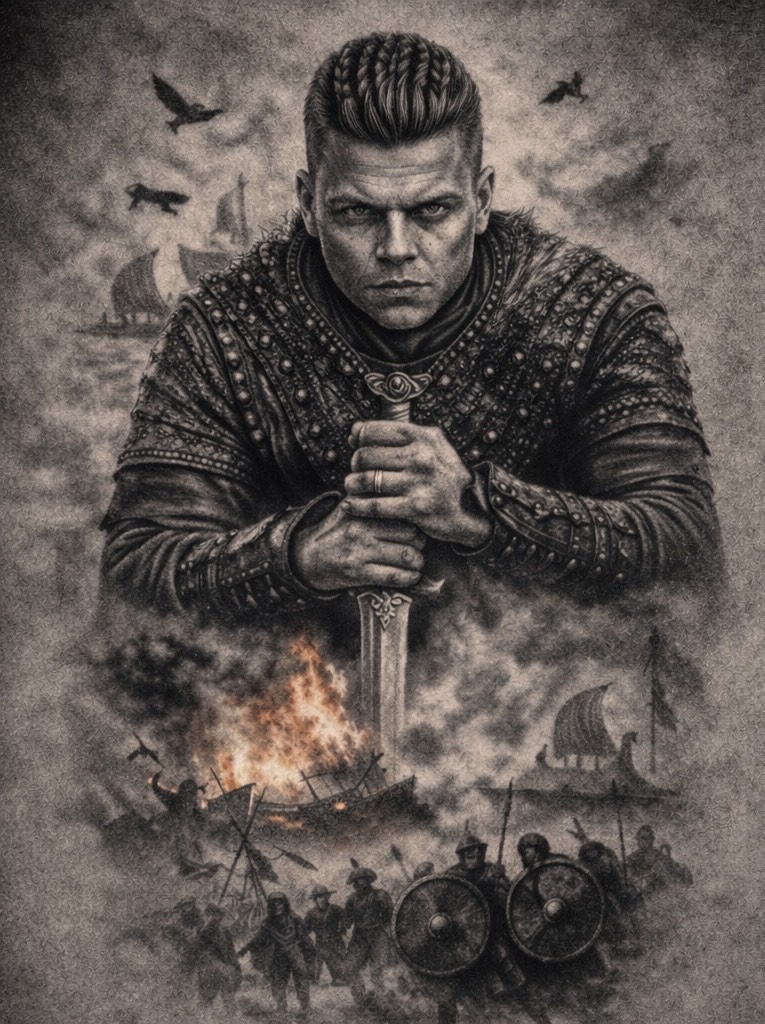
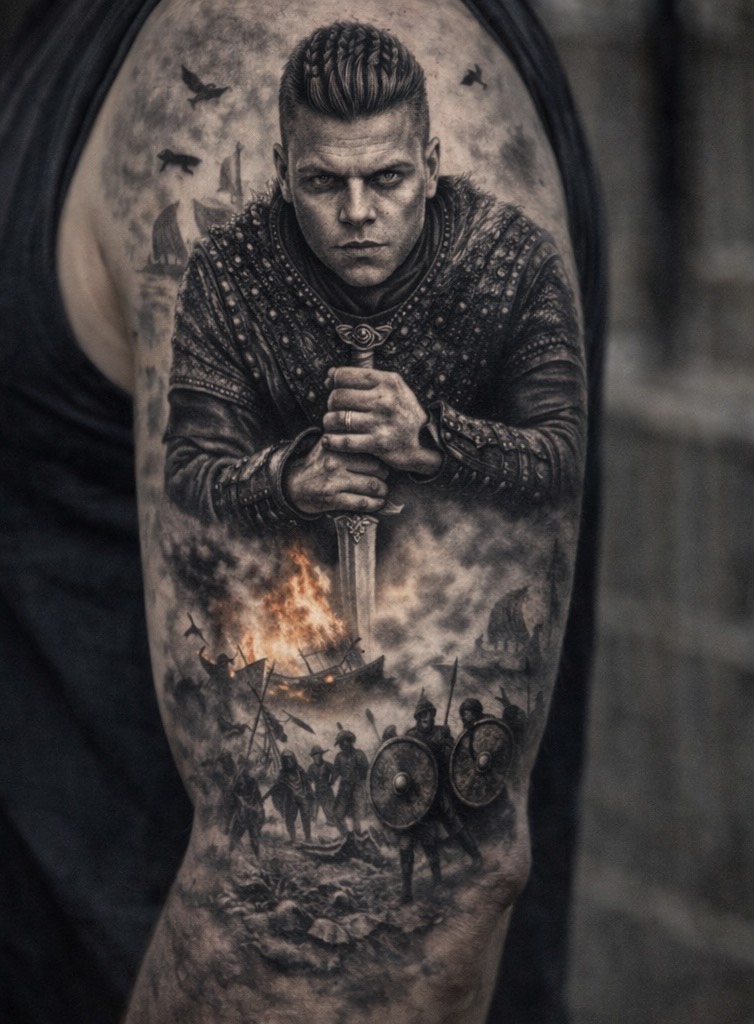
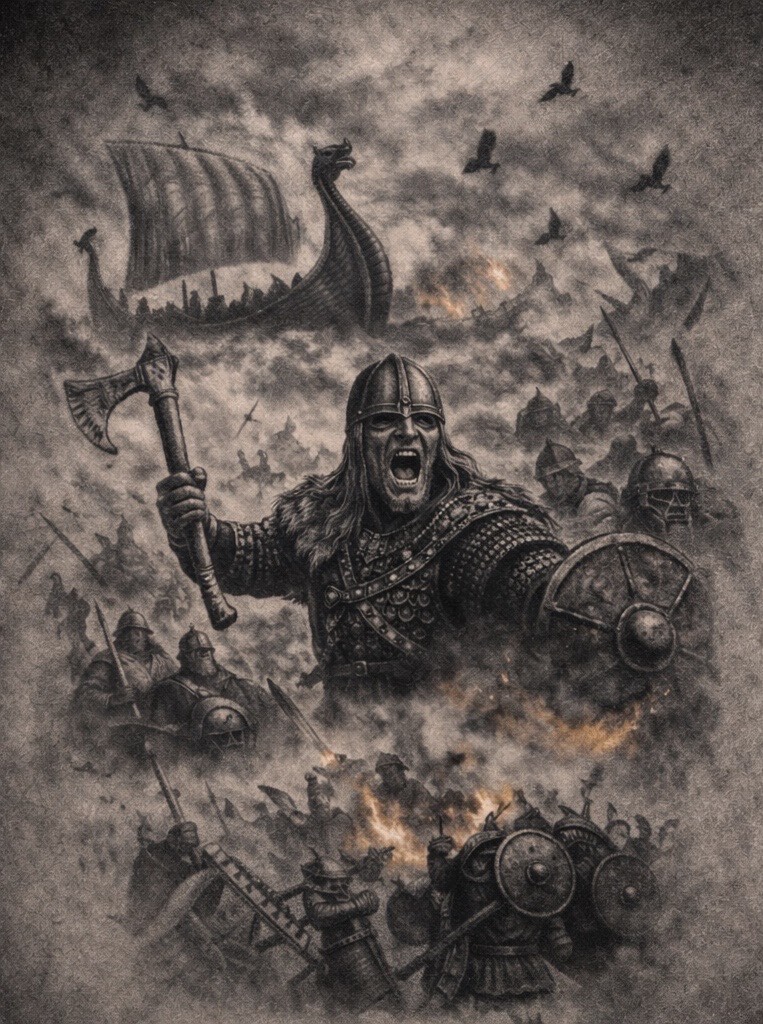
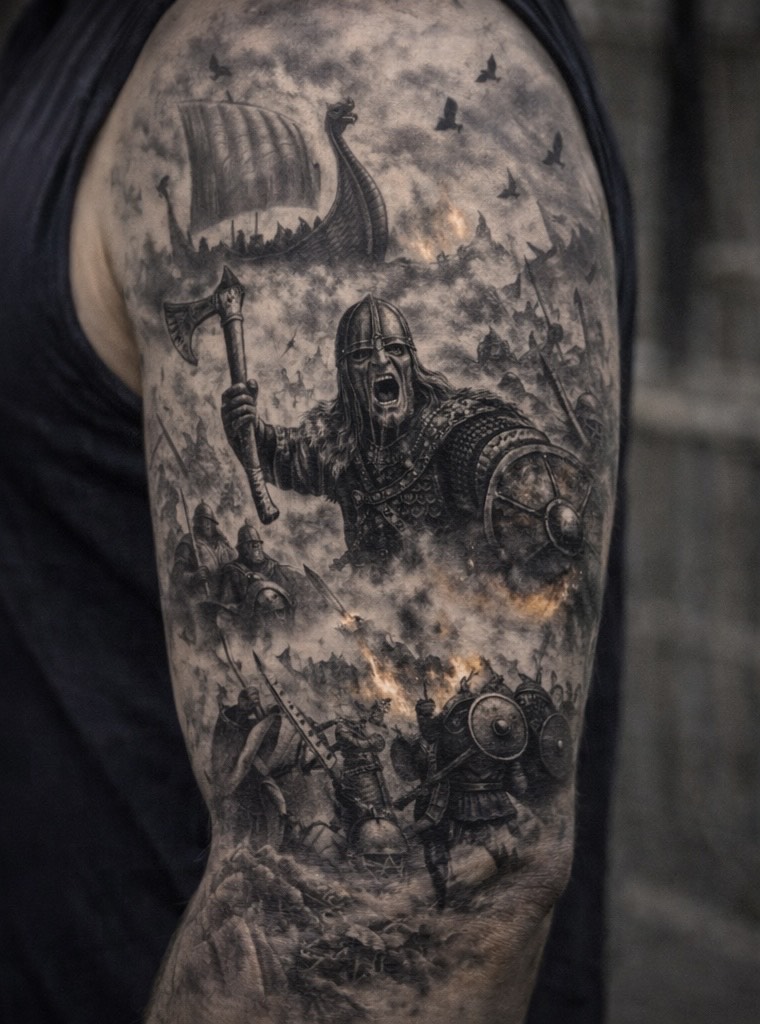
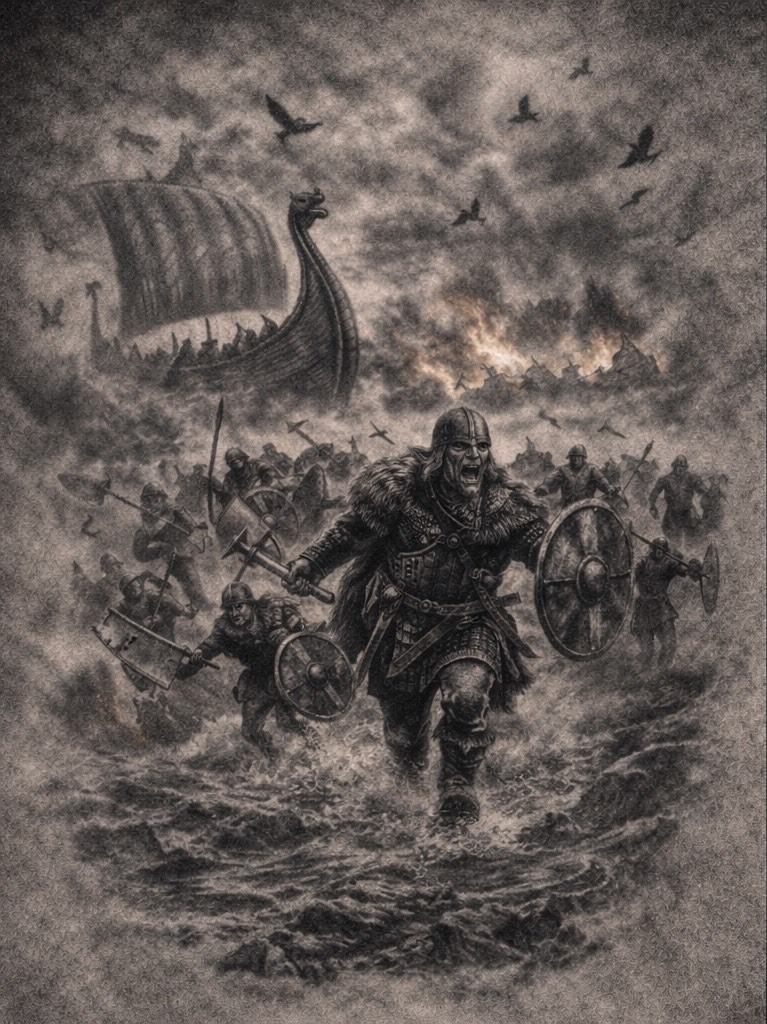
Viking tattoos draw on Norse mythology, legendary warriors, and the raw symbolism of the Viking age. Inspired by gods, runes, longships, battle scenes, and figures from Viking legend, these designs are built around strength, resilience, and identity.
This collection focuses on bold Viking tattoo concepts designed to work especially well as large pieces, including arm sleeves and statement tattoos. Each design is intended as reference artwork — something you can save, explore, and take to your tattoo artist to adapt for placement, scale, and personal style.
Whether you’re deeply into Norse history or simply drawn to the power and aesthetic of Viking imagery, these designs are about presence, storytelling, and tattoos that still hold weight years down the line.
Egyptian Tattoos
Egyptian tattoos have stood the test of time for a reason.
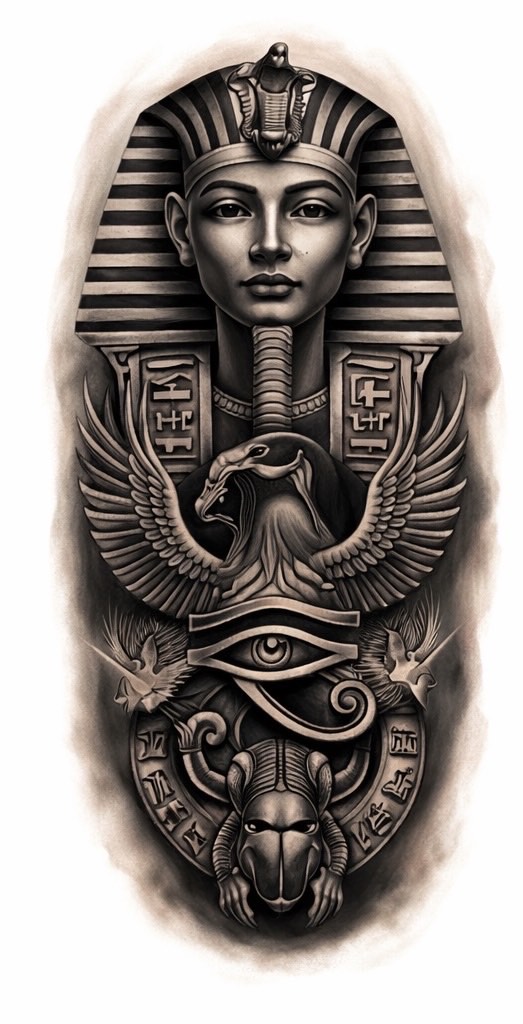
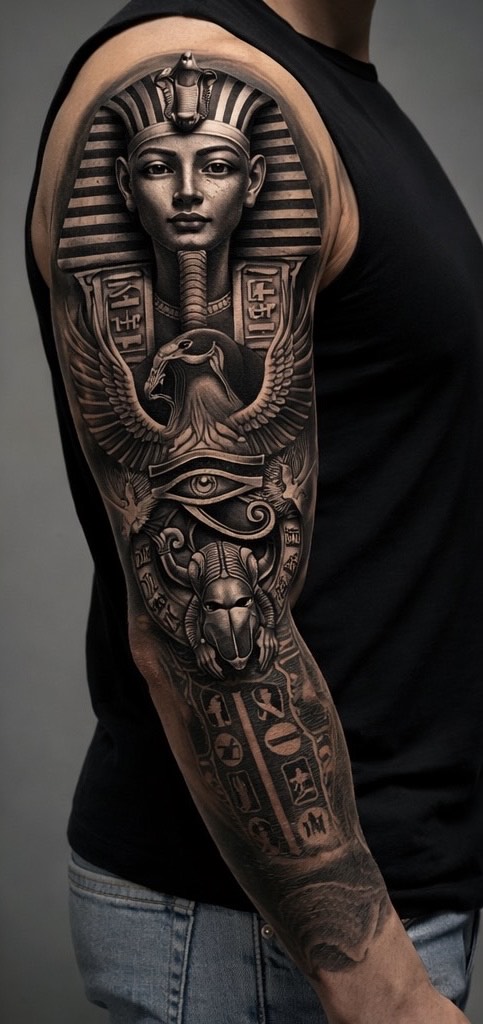
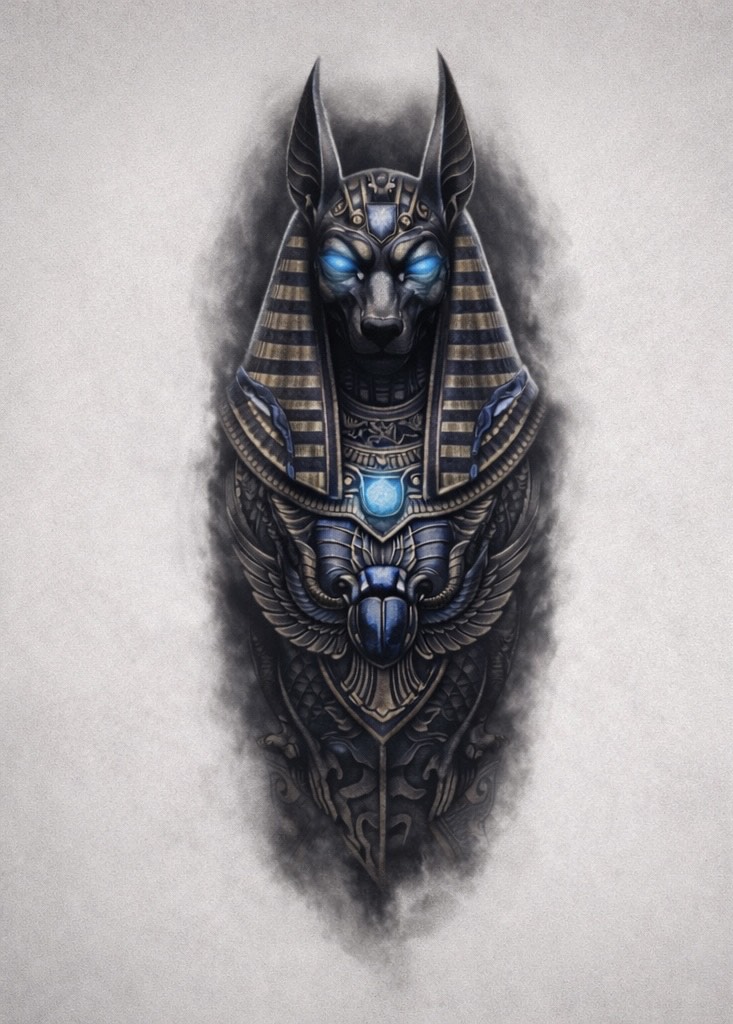
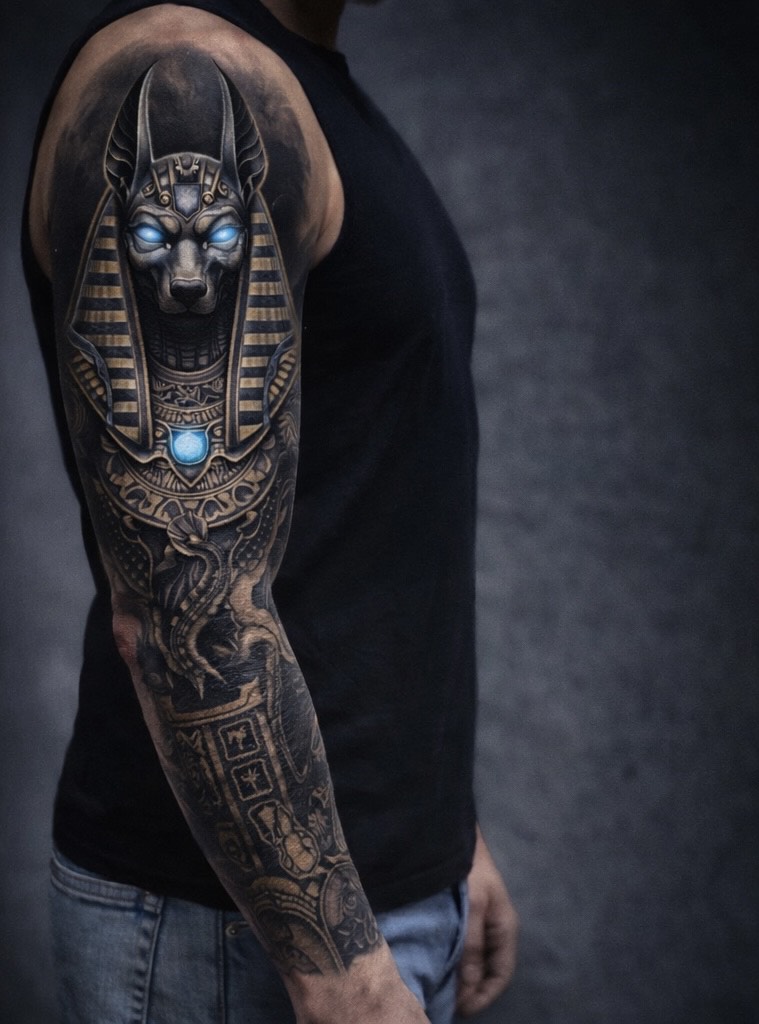
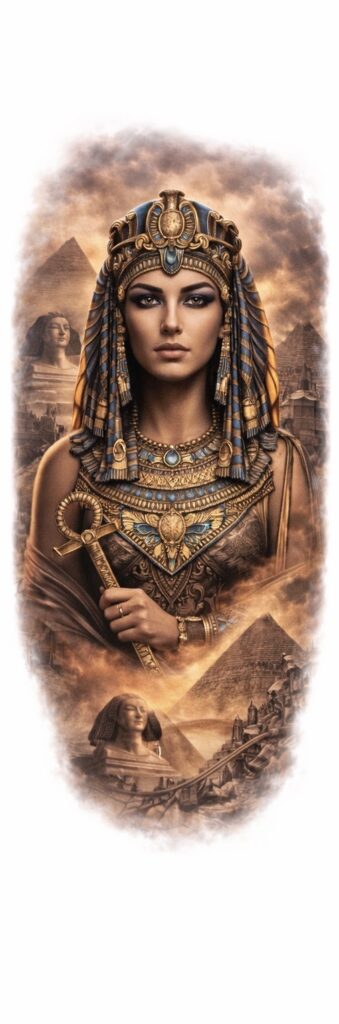
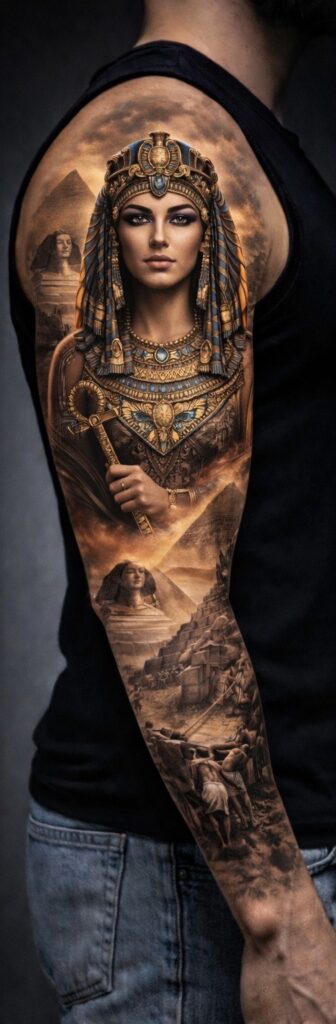
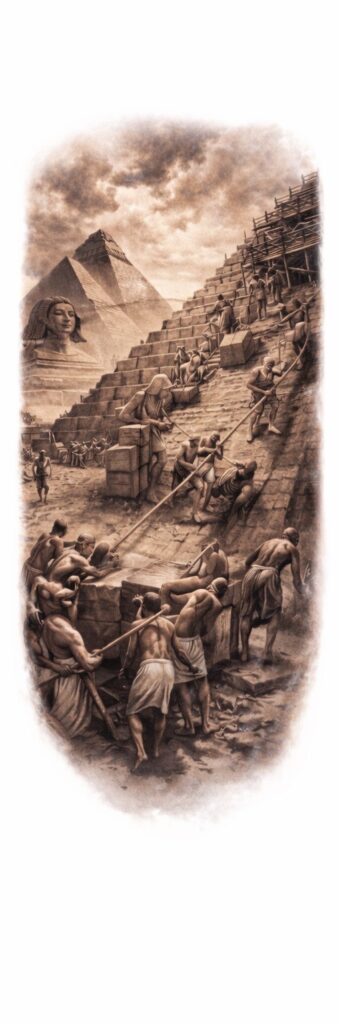
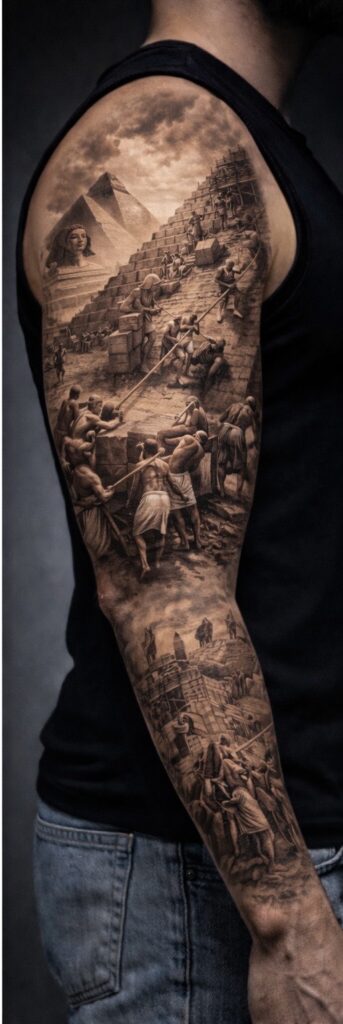
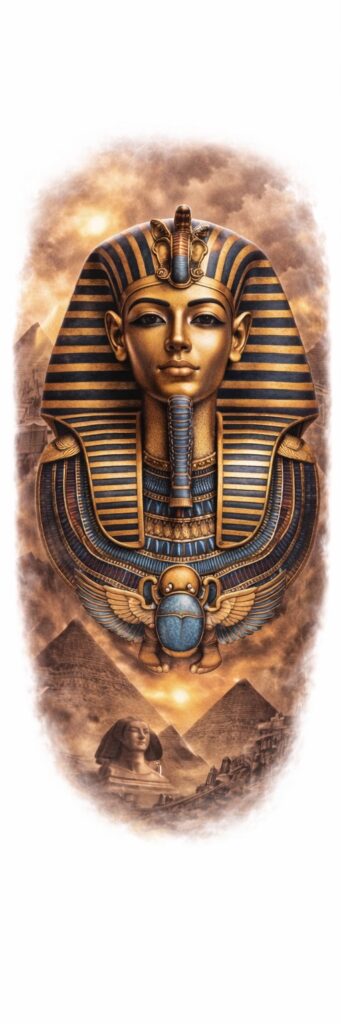
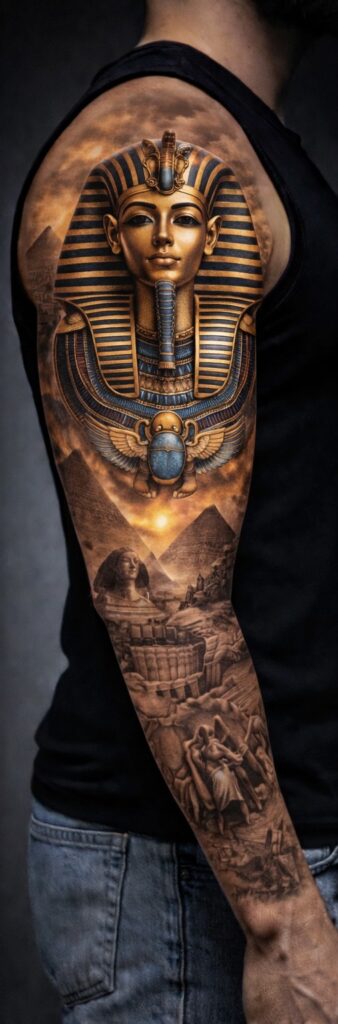
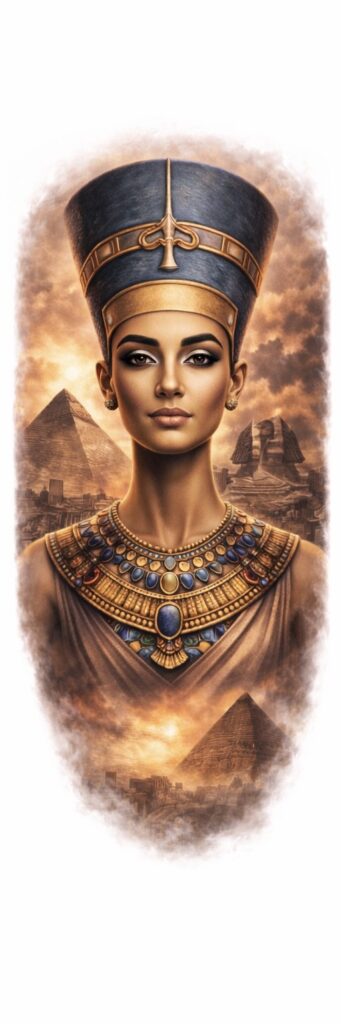
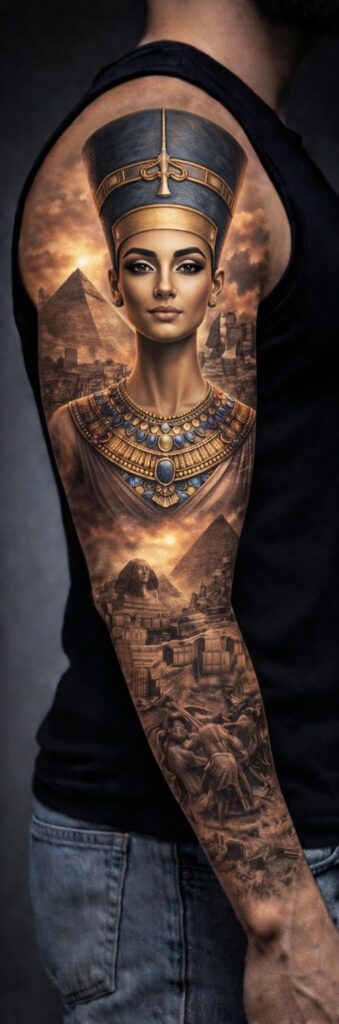
They’re bold, symbolic, and instantly recognisable — drawing on ancient gods, pharaohs, hieroglyphs, and myths that still feel powerful thousands of years later. From figures like Anubis, Tutankhamun, and Cleopatra to scenes of pyramids, warriors, and the afterlife, Egyptian tattoo designs are packed with meaning as well as visual impact.
On this page, you’ll find a growing collection of Egyptian tattoo concepts, designed to work as strong standalone pieces or as part of larger compositions. Each design is intended as reference artwork — something you can save, study, and take to your tattoo artist to adapt to your body, style, and placement.
Egyptian Arm Sleeve Tattoo Ideas
These Egyptian arm sleeve designs are created with flow and placement in mind, showing how a full concept can wrap and sit naturally on the arm. Each example includes the original artwork alongside a sleeve-style mock-up to help visualise scale, balance, and overall impact.
Feel free to download any design as inspiration and discuss adjustments with your tattoo artist — whether that’s refining detail, extending the sleeve, or blending elements into an existing tattoo.